120 Chart: Interactive Number Chart 1 to 120
This chart shows the numbers 1 to 120 in 12 rows of 10, with the range already chosen. Press a square to colour it and press again to clear it. You can also hide the numbers, or highlight a skip-counting pattern.
Free to use, no sign-up. Everything runs in your browser: nothing you type is uploaded.
Press a square to colour it. Press it again to clear it.
Hundreds chart
Questions and answers
Why use a 120 chart?
Many first grade classes count to 120. The extra two rows show how the pattern carries on past 100.
How do I show skip counting?
Type a number in Count by (2 to 12), for example 10, and press Highlight. Every multiple of that number is coloured on the chart.
More settings of this tool
English word lists
The full tool with every optionAll free tools
Printables that go with this tool
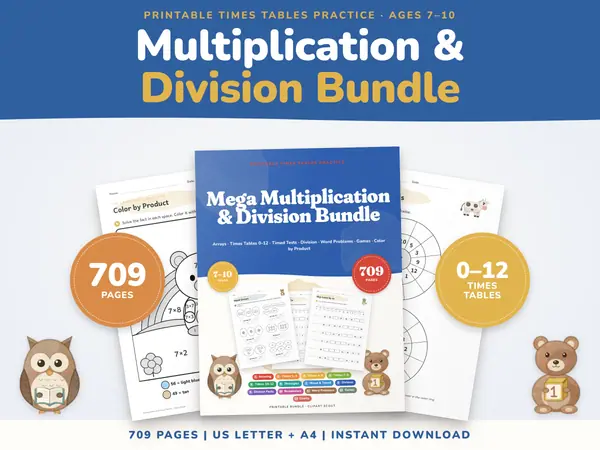
Multiplication Worksheets Bundle
709 pagesUS Letter + A43rd grade & 4th gradeEnglish
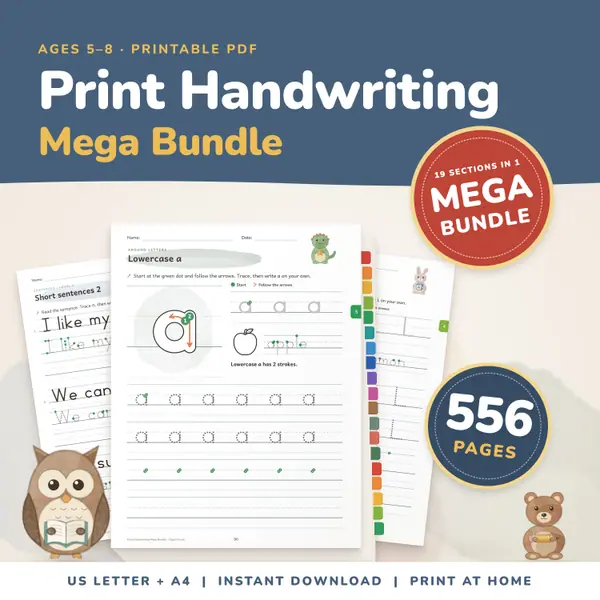
See price and buy on EtsyPrint Handwriting Practice Bundle
556 pagesUS Letter + A4Kindergarten to 2nd gradeEnglish
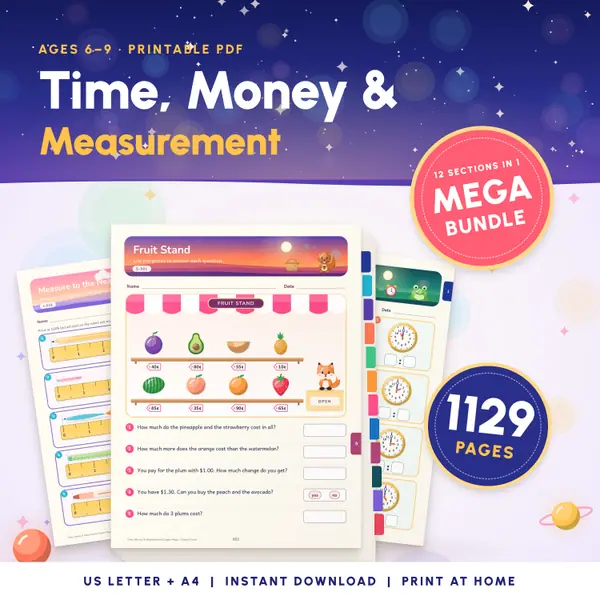
See price and buy on EtsyTelling Time Worksheets
1,129 pagesUS Letter + A41st grade to 3rd gradeEnglish
See price and buy on Etsy
Put this tool on your own site
Copy this code into your class page or blog. The tool is free; the small link under it tells your visitors where it comes from.
Updated