Interactive Hundreds Chart: Colour, Count and Print
Choose a chart from 1 to 100, 0 to 99 or 1 to 120. Press any square to colour it in one of three marker colours, and press it again to clear it. Type a number from 2 to 12 in the count by box and press Highlight to mark all its multiples. You can hide the numbers for a fill-in chart and print the sheet.
Free to use, no sign-up. Everything runs in your browser: nothing you type is uploaded.
Press a square to colour it. Press it again to clear it.
Hundreds chart
How to use it
1. Pick your chart
Choose 1 to 100 for the classic chart, 0 to 99 when children need to see that the tens start at 0, or 1 to 120 for a longer count.
2. Colour squares by hand
Choose a marker colour, then press squares to colour them. Press a coloured square again to clear it. Use a different colour for each pattern you want to compare.
3. Highlight the multiples
Type a number from 2 to 12 in the count by box and press Highlight. Every multiple is coloured and given a thick border, so the pattern also shows on a black and white print.
4. Hide the numbers or print
Press Hide the numbers to turn the chart into an empty grid for children to fill in. Show the numbers brings them back. Print the chart gives you the sheet on its own.
Ideas for class and home
Skip counting patterns
Highlight the multiples of 2, then clear and highlight 5 or 10. Children see the columns, diagonals and stripes that skip counting makes and start to predict the next number.
Common multiples
Highlight the multiples of 3 in yellow and the multiples of 4 in blue. The squares with a yellow and a blue border are shared, which is a quiet way into common multiples.
Missing numbers
Hide the numbers, print the empty chart and ask children to fill it in from memory, or give them only the first row and the last column as clues.
Mystery pattern at home
Colour a pattern in secret, such as the numbers that end in 3, and ask your child to describe the rule that fits the coloured squares.
Printables that go with this tool
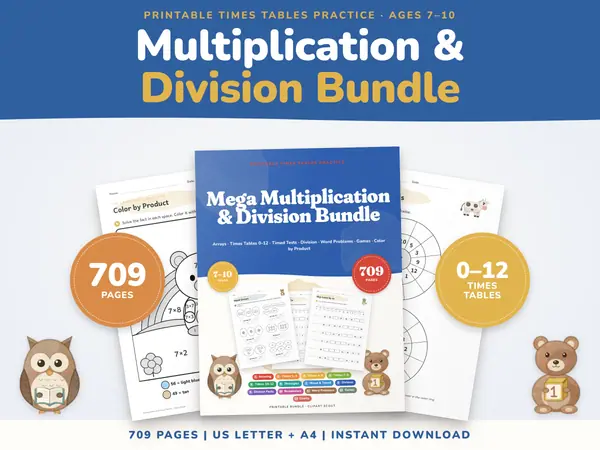
Multiplication Worksheets Bundle
709 pagesUS Letter + A43rd grade & 4th gradeEnglish
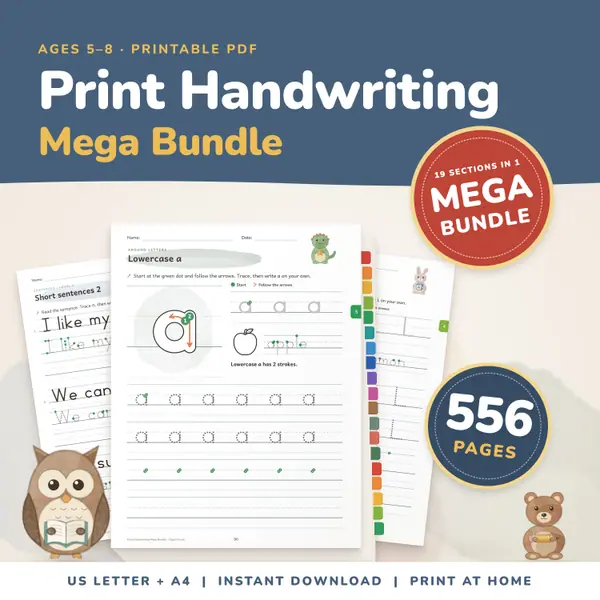
See price and buy on EtsyPrint Handwriting Practice Bundle
556 pagesUS Letter + A4Kindergarten to 2nd gradeEnglish
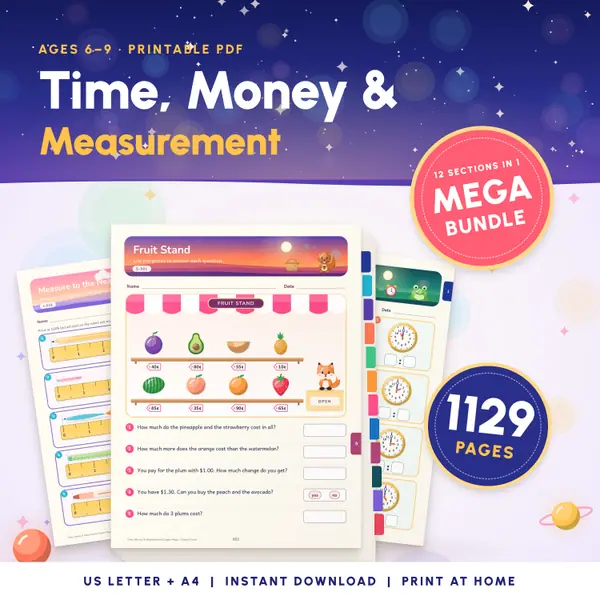
See price and buy on EtsyTelling Time Worksheets
1,129 pagesUS Letter + A41st grade to 3rd gradeEnglish
See price and buy on Etsy
Questions and answers
Is this hundreds chart free?
Yes. It is free to use, there is no sign-up and no limit on how often you colour, clear or print the chart.
Will the colours show when I print?
The coloured squares are set to print in colour. Highlighted multiples also get a thicker border, so the pattern stays clear on a black and white printer.
Is anything saved or sent anywhere?
No. The chart runs in your browser on this device and nothing you colour is uploaded. When you close or refresh the page, the chart starts fresh.
Why does the chart go from 0 to 99?
Some curricula start the chart at 0 so that every row begins with a multiple of ten. Choose 0 to 99 for that layout, or 1 to 120 to count past one hundred.
More settings of this tool
English word lists
More free tools
- Number Line Maker with Jumps: Draw and Print
- Fraction Strips and Wall: Compare Fractions Free
- Place Value Chart: Digits, Values, Expanded Form
- Teaching Clock: Analogue Clock to Tell the Time
- Multiplication Chart Maker: Filled, Blank, Partial
- Random Name Picker: Pick a Student From Your List
- Random Group Maker: Split a Class Into Teams
- Spinner Wheel: Spin to Pick a Name or Choice
- Dice Roller: Roll 1 to 6 Dice Online
Put this tool on your own site
Copy this code into your class page or blog. The tool is free; the small link under it tells your visitors where it comes from.
Updated