Telling Time Worksheets
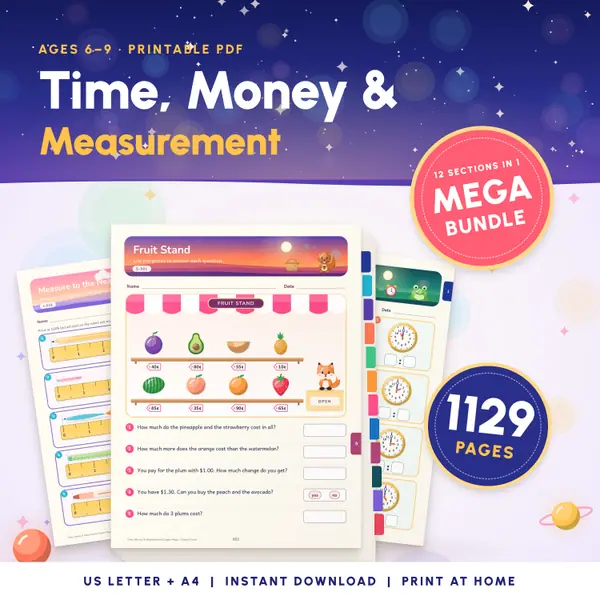
1,129 pagesUS Letter + A41st grade to 3rd gradeEnglish
See price and buy on EtsyThis teaching clock shows an analogue face with the numbers 1 to 12, minute marks and an hour hand that moves gradually between the hours. Step the time forward or back by an hour, five minutes or one minute, or press Random time. Hide the digital display to ask the class what time it is, then show it to check.
Free to use, no sign-up. Everything runs in your browser: nothing you type is uploaded.
Change the time
Use the buttons to move the time by one hour, five minutes or one minute in either direction. The minute hand turns six degrees for every minute.
The hour hand creeps forward as the minutes pass. At half past three it sits exactly halfway between the 3 and the 4, just like a real clock.
Press Random time, then untick Show the digital time so the class has only the hands to read. Tick the box again to check the answer together.
Switch the digital display between 12-hour and 24-hour time. Tick the nearest five minutes box when the class is learning to read o'clock, quarter past and half past.
Start every maths lesson with three random times. Children write the time on a whiteboard, and you reveal the digital display to check.
Step the minute hand with the five-minute buttons and stop at 15, 30 and 45. Children link quarter past, half past and quarter to with where the hand points.
Show the same clock with the 24-hour display at 3 in the afternoon. Children see that the hands look the same but the digital time reads 15:00.
Set the clock to bedtime or the start of lessons and ask your child to say how long it is until then, moving the hands forward in jumps.
1,129 pagesUS Letter + A41st grade to 3rd gradeEnglish
See price and buy on Etsy2,289 pagesUS Letter + A4Kindergarten to 3rd gradeEnglish
See price and buy on Etsy1,274 pagesUS Letter + A41st grade to 4th gradeEnglish
See price and buy on EtsyYes. It is free to use, there is no sign-up, and you can use it on a class screen, a tablet or a phone as often as you like.
Yes. The hour hand turns half a degree for every minute and the minute hand six degrees, so at 3:30 the hour hand is halfway between 3 and 4.
Yes. Untick Show the digital time to hide it, so children read the time from the hands alone. Tick the box again to reveal the answer.
No. It shows a time you set yourself and does not read your device clock. It runs in your browser and nothing is sent or stored.
Copy this code into your class page or blog. The tool is free; the small link under it tells your visitors where it comes from.
Updated