Spinner Wheel: Spin to Pick a Name or Choice
Type your choices into the box, one per line, and the wheel gets a coloured slice for each one. Press Spin and it turns for a few seconds, then slows down and stops on the winner, which is shown in large letters. Tick the option to remove each winner if you want everyone to be picked once. Reset brings the removed entries back.
Free to use, no sign-up. Everything runs in your browser: nothing you type is uploaded.
From 2 to 40 entries. Long entries are shortened on the wheel only.
Your entries are saved on this device only.
How to use it
1. Type your entries
Replace the sample entries with your own, one per line. They can be names, spelling words, topics, rewards or anything else you want to choose between.
2. Decide about repeats
Tick Remove the winner after each spin if every entry should come up only once, such as taking turns. Leave it unticked when the same entry may win again.
3. Spin the wheel
Press Spin the wheel. It turns for about four seconds, slows down and stops at the pointer at the top. The winning entry appears in large letters underneath.
4. Start over
Press Reset the wheel to put every removed entry back. For a bigger picture on a class screen, use the Full screen button.
Ideas for class and home
Who answers next
Put the class list on the wheel and spin before each question. The suspense of the turning wheel gets a quiet class paying attention.
Reward choices
Fill the wheel with small rewards such as choosing the song, extra reading time or sitting on the cushion, and spin for one at the end of the week.
Writing prompts
Enter story starters, characters or settings. Spin twice to get a surprising pair for a ten-minute writing warm-up.
Family decisions
Settle what is for dinner, which game to play or whose turn it is to choose the film. Everyone sees the choice is fair.
Printables that go with this tool
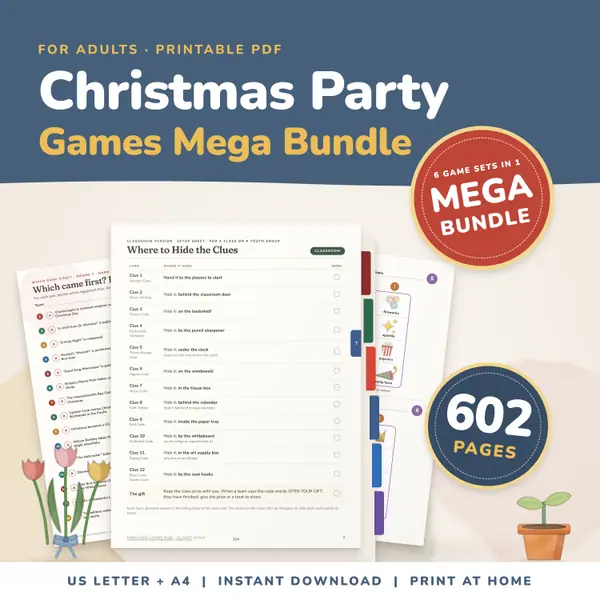
Christmas Party Games Mega Bundle
602 pagesUS Letter + A4Teens & adultsEnglish
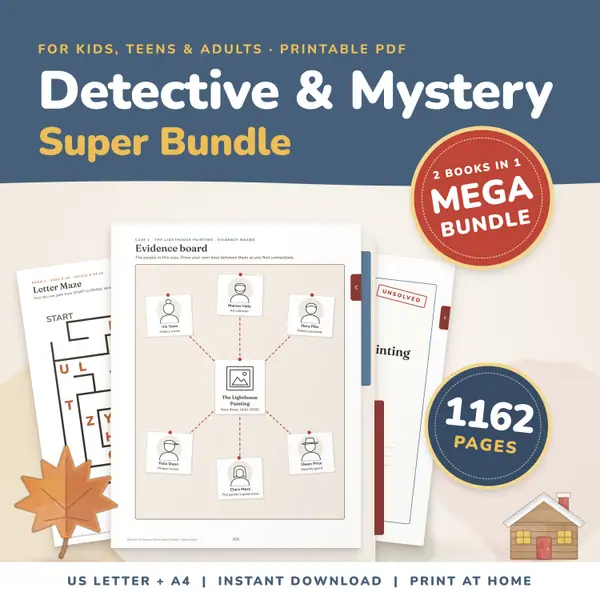
See price and buy on Etsy1162 Page Detective & Mystery Games Super Bundle
1,162 pagesUS Letter + A4Ages 8–14English
See price and buy on Etsy
Questions and answers
Is the spinner wheel free to use?
Yes. It costs nothing, needs no account and has no limit on how many times you spin or how many wheels you make.
Is the wheel really random?
Yes. The winner is chosen at random first and the wheel is then turned so that it stops on that entry. Every entry has the same chance, whatever its length.
Where are my entries stored?
Only in your own browser, on the device you are using. Nothing you type is sent to a server, so a class list stays private.
How many entries can the wheel have?
From 2 to 40. If you enter more than 40, the first 40 are used. Long entries are cut short on the wheel but shown in full when they win.
More settings of this tool
More free tools
- Random Name Picker: Pick a Student From Your List
- Random Group Maker: Split a Class Into Teams
- Dice Roller: Roll 1 to 6 Dice Online
- Random Number Generator: Pick Numbers in a Range
- Random Letter Generator: Pick a Letter at Random
- Classroom Timer: Big Countdown Timer for Lessons
- Online Stopwatch with Lap Times for Class
- Classroom Scoreboard: Team Score Keeper for 2-6
- Classroom Traffic Light: Noise Levels on Screen
Put this tool on your own site
Copy this code into your class page or blog. The tool is free; the small link under it tells your visitors where it comes from.
Updated