Dice Roller: Roll 1 to 6 Dice Online
Choose how many dice to roll, from one to six, and how many sides each die has: 4, 6, 8, 10, 12 or 20. Press Roll the dice. Six-sided dice show their dots, the others show their number, and the total is added up for you. The last ten rolls are listed underneath so nothing is forgotten.
Free to use, no sign-up. Everything runs in your browser: nothing you type is uploaded.
Last 10 rolls
How to use it
1. Choose your dice
Pick how many dice you want, from one to six, and the number of sides. Six sides gives the ordinary dice with dots, and 20 sides gives the dice used in many role-playing games.
2. Roll
Press Roll the dice. Each die appears with its result and the total is shown underneath in large numbers, so the whole room can read it.
3. Check the history
The last ten rolls stay in the list, written as the number of dice, the sides, each result and the total. Press Clear the list to start fresh.
Ideas for class and home
Adding practice
Roll two or three dice and ask the class to add them up before the total appears. Use dice with more sides for bigger numbers as the class improves.
Probability talk
Roll two six-sided dice many times and look at the history. Which totals come up often and which hardly ever? It is a good start to a lesson on chance.
Board games without dice
Lost the dice from the box? Roll here instead on a phone or tablet. It also works for games that need a different die.
Story and game prompts
Roll a die to decide what happens next in a class story, how many steps to take in a PE game, or which question card to answer.
Printables that go with this tool
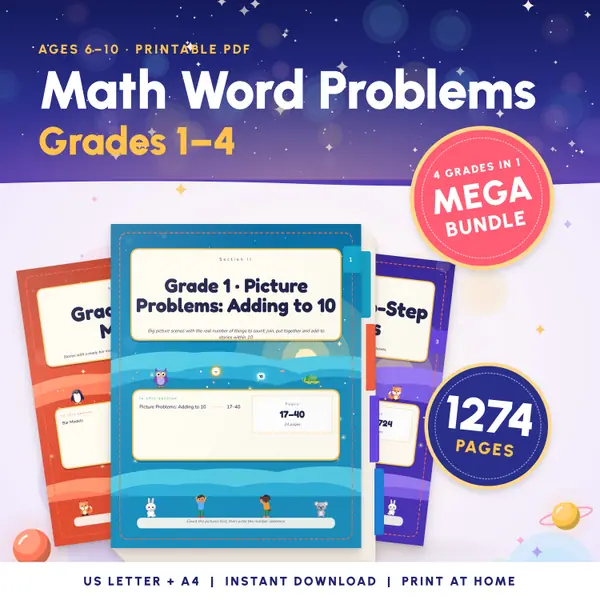
Math Word Problems Grades 1-4
1,274 pagesUS Letter + A41st grade to 4th gradeEnglish
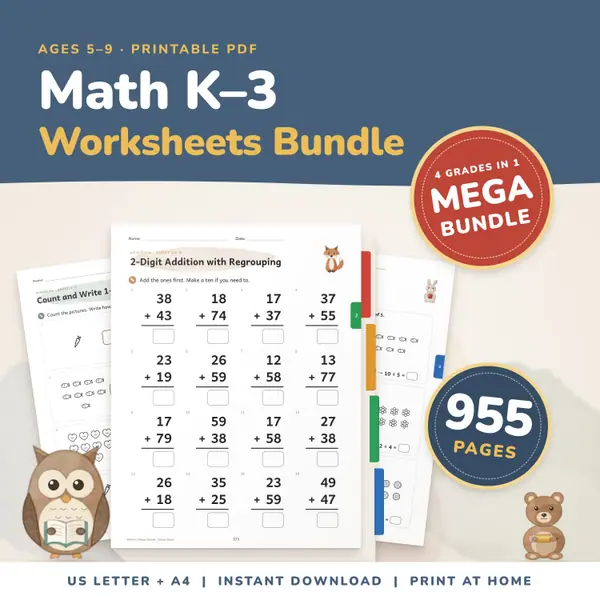
See price and buy on EtsyMath Worksheets Bundle K-3
955 pagesUS Letter + A4Kindergarten to 3rd gradeEnglish
See price and buy on Etsy
Questions and answers
Is the dice roller free?
Yes. It is free to use, with no sign-up and no limit on the number of rolls.
Are the dice fair?
Each die gives every side the same chance. A new random number is made for every die each time you press the button, and earlier rolls do not change the next one.
Is my roll history saved anywhere?
The list lives only in this page, in your browser. Nothing is sent away, and it is gone when you close or reload the page.
Which dice can I roll?
From one to six dice at a time, each with 4, 6, 8, 10, 12 or 20 sides. All dice in one roll have the same number of sides.
More settings of this tool
English word lists
More free tools
- Random Name Picker: Pick a Student From Your List
- Random Group Maker: Split a Class Into Teams
- Spinner Wheel: Spin to Pick a Name or Choice
- Random Number Generator: Pick Numbers in a Range
- Random Letter Generator: Pick a Letter at Random
- Classroom Timer: Big Countdown Timer for Lessons
- Online Stopwatch with Lap Times for Class
- Classroom Scoreboard: Team Score Keeper for 2-6
- Classroom Traffic Light: Noise Levels on Screen
Put this tool on your own site
Copy this code into your class page or blog. The tool is free; the small link under it tells your visitors where it comes from.
Updated