Classroom Scoreboard for 2 to 6 Teams with Big Scores
Choose how many teams are playing, from two to six, and type each team's name. Press +1, +5 or -1 under a team to change its score. The team in front is marked with the word Leading and a star, and names and scores are saved on this device so a refresh does not lose them.
Free to use, no sign-up. Everything runs in your browser: nothing you type is uploaded.
Team names and scores are saved on this device only.
How to use it
1. Set up your teams
Two teams start ready to play. Add a team for up to six, remove the last one if you have too many, and click a name to type your own, such as Red Table.
2. Add points as you play
Press +1 for a small win, +5 for a big one and -1 to correct a mistake or take a point away. The score is shown in large numbers.
3. Spot the leader
The team in front shows the word Leading with a star, so the lead is clear even without colour. If teams are level at the top, the board says Tied for the lead.
4. Show it and reset
Press Full screen to fill the class display. Reset all scores starts a new game and keeps your team names.
Ideas for class and home
Review games before a test
Split the class into table teams and score each correct answer. The large board keeps everyone focused on the race for the lead.
Table points over a week
Award points for helping, tidy desks and good listening. The scores stay saved on this device, so the totals are still there tomorrow.
Sports day and house points
Use up to six teams for house colours. Add five points for a relay win and one for each good effort, and show the standings on the screen.
Family game night
Keep score for board games and quizzes at home. Type each family's name, tap to add points and let the star show who is ahead.
Printables that go with this tool
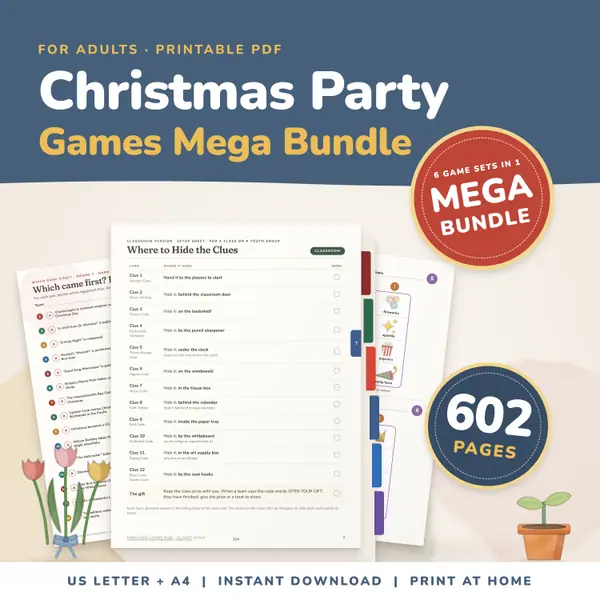
Christmas Party Games Mega Bundle
602 pagesUS Letter + A4Teens & adultsEnglish
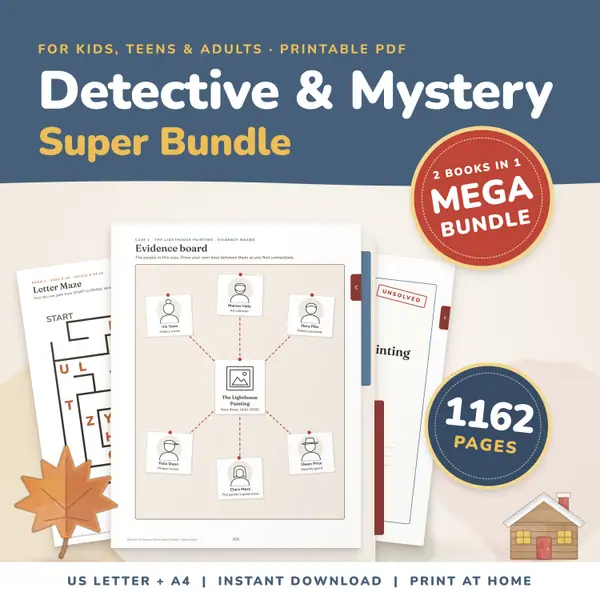
See price and buy on Etsy1162 Page Detective & Mystery Games Super Bundle
1,162 pagesUS Letter + A4Ages 8–14English
See price and buy on Etsy
Questions and answers
Is the scoreboard free?
Yes. It is free with no sign-up, and you can use it as often as you like for lessons, clubs or games at home.
Does it remember my teams and scores?
Yes. Names and scores are saved in this browser on this device, so they are still there after a refresh. They are never sent to a server.
How many teams can I have?
From two to six. Use Add a team and Remove last team to change the number. The most recently added team is the one that gets removed.
Can scores go below zero?
Yes, the -1 button can take a score below zero, which is handy for penalties. The leader marker only appears once a team has more than zero points.
More free tools
- Classroom Timer: Big Countdown Timer for Lessons
- Online Stopwatch with Lap Times for Class
- Classroom Traffic Light: Noise Levels on Screen
- Classroom Noise Meter: Live Sound Level Bar
- Seating Chart Maker: Make and Print a Class Plan
- Random Name Picker: Pick a Student From Your List
- Random Group Maker: Split a Class Into Teams
- Spinner Wheel: Spin to Pick a Name or Choice
- Dice Roller: Roll 1 to 6 Dice Online
Put this tool on your own site
Copy this code into your class page or blog. The tool is free; the small link under it tells your visitors where it comes from.
Updated