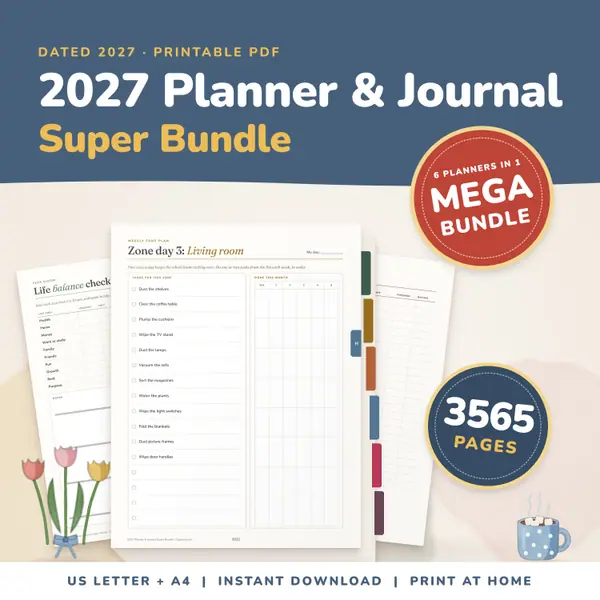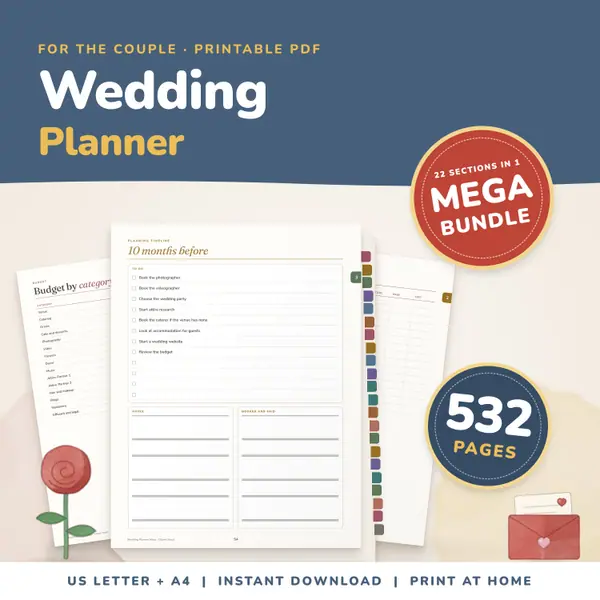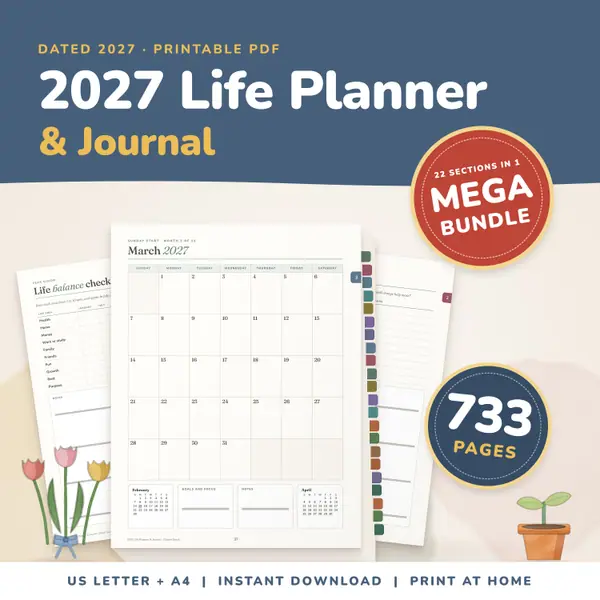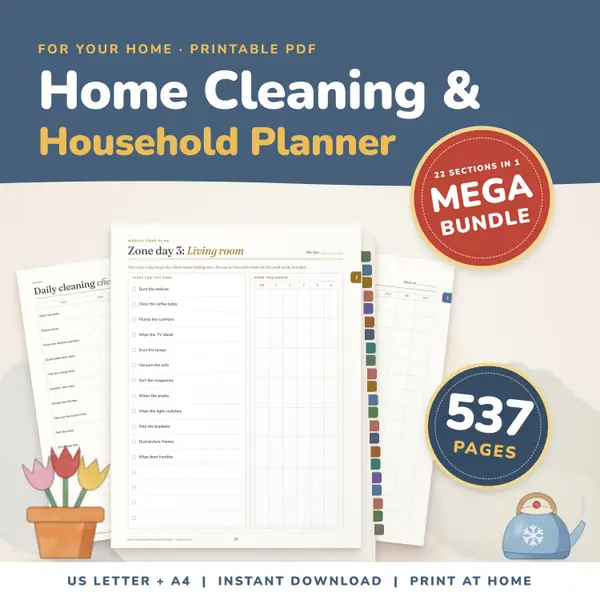
Home Cleaning and Household Planner Mega Bundle
537 pagesUS Letter + A4Teens & adultsEnglish
See price and buy on EtsySet the number of rows and seats per row, then type or paste your class list, one name per line. Press Shuffle seats for a random plan or Fill in order for list order. Press two desks to swap them, then print the chart with the front of the room marked at the top.
Free to use, no sign-up. Everything runs in your browser: nothing you type is uploaded.
Type the names or paste them from a list.
Your names and chart are saved on this device only.
Enter how many rows of desks you have and how many seats are in each row. Up to twelve of each fits most classrooms, labs and halls.
Replace the sample names with your own, one name per line. Paste a column from a spreadsheet if you have one. If a few desks are free, they stay empty.
Shuffle seats gives a random plan, which is handy for mixing groups. Fill in order puts the names in list order, row by row from the front left.
Press one desk and then another to swap the two. Keep going until the plan is right, then press Print the chart to get a clean black-and-white sheet.
Shuffle the seats to mix who sits beside whom. Swap a few desks by hand for pupils who need to be near the board or away from distractions.
Print the chart with names at the desks and leave it for the cover teacher, so that they can learn names and spot who is missing at a glance.
Set the rows and seats to match the hall, shuffle the names and print the plan so every candidate knows where to sit.
Use a few rows and seats for a homeschool co-op, a workshop or a club. Fill in order for a register, or shuffle to make fair partners.
537 pagesUS Letter + A4Teens & adultsEnglish
See price and buy on Etsy3,565 pagesUS Letter + A4Teens & adultsEnglish
See price and buy on EtsyYes. It is free to use, with no account or sign-up, and you can make and print as many charts as you need.
Only in this browser, on this device. The list and the chart are saved so they are there next time, and they are never uploaded or shared.
The desks fill up and a message tells you how many names did not fit. Add a row or more seats per row and everyone is placed.
The extra desks stay empty. You can still press an empty desk and then a named desk to move a student into it.
Copy this code into your class page or blog. The tool is free; the small link under it tells your visitors where it comes from.
Updated