Random Name Picker for the Classroom
Paste your class list, one name per line, and press Pick a name. The picker chooses one name at random and shows it large enough for the whole class to read. With "Do not pick the same name twice" ticked, every student gets a turn before anyone is picked again.
Free to use, no sign-up. Everything runs in your browser: nothing you type is uploaded.
Type the names or paste them from a list.
Your list is saved on this device only.
Already picked
How to use it
1. Add your names
Replace the sample names with your own, one per line. You can paste a column straight from a spreadsheet or a class list.
2. Choose whether names can repeat
Leave the box ticked to give every student one turn before the list starts over. Untick it when the same student may be picked again, for example for quick-fire questions.
3. Press Pick a name
The name appears in large letters. The list of names already picked grows underneath, so you can see who has had a turn. Start again clears it.
Ideas for class and home
Cold calling without the worry
Students know the choice is random, so nobody feels singled out. Give thinking time first, then pick, and allow a "phone a friend" pass once a lesson.
Classroom jobs
Pick the line leader, the paper monitor and the board cleaner in ten seconds on Monday morning. With no repeats ticked, jobs go round the whole class over the weeks.
Who goes first
Use it to choose the first reader, the first group to present or the first player in a game. It ends arguments about whose turn it is.
At home with siblings
Put the children's names in and let the picker decide who chooses the read-aloud book or who sets the table tonight.
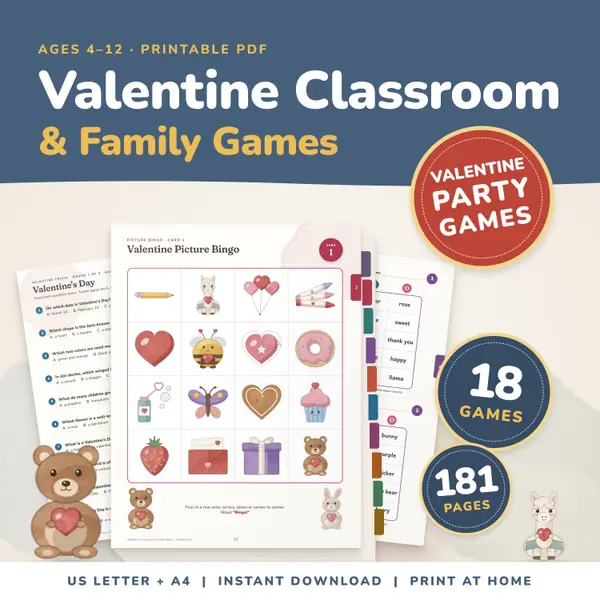
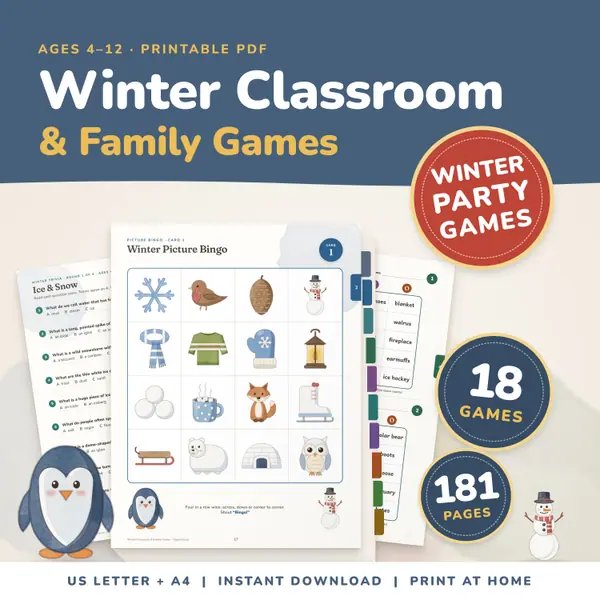
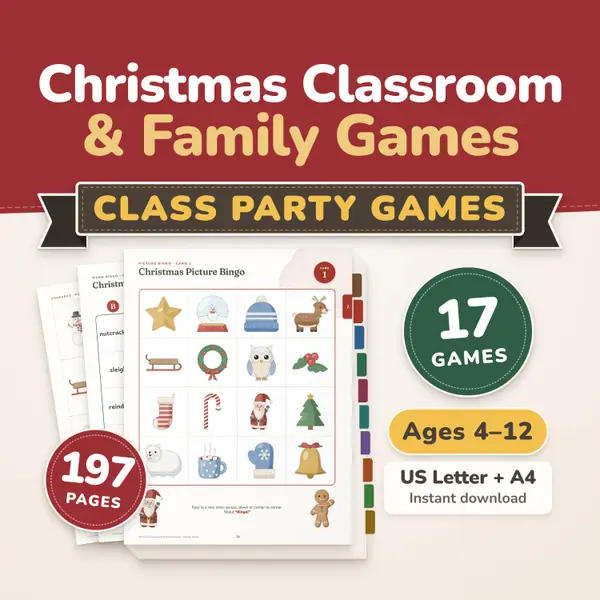
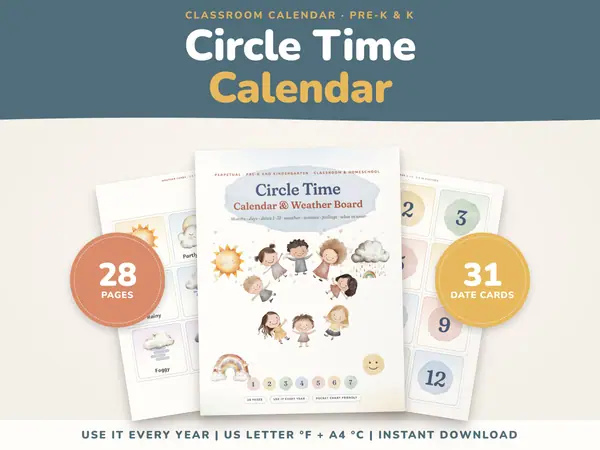
Printables that go with this tool
Questions and answers
Is the random name picker free?
Yes. It is free to use, there is no sign-up and no limit on the number of names or picks.
Are my students' names sent anywhere?
No. The tool runs in your browser. The list is saved only on the device you are using, so it is still there next time, and it is never uploaded.
Can I make sure every student gets picked?
Yes. Keep "Do not pick the same name twice" ticked. Each name is picked once, and the tool tells you when everyone has had a turn.
Does it work on an interactive whiteboard?
Yes. It works in any modern browser on a class screen, a laptop, a tablet or a phone. The picked name is shown large so it can be read from the back of the room.
More free tools
- Random Group Maker: Split a Class Into Teams
- Spinner Wheel: Spin to Pick a Name or Choice
- Dice Roller: Roll 1 to 6 Dice Online
- Random Number Generator: Pick Numbers in a Range
- Random Letter Generator: Pick a Letter at Random
- Classroom Timer: Big Countdown Timer for Lessons
- Online Stopwatch with Lap Times for Class
- Classroom Scoreboard: Team Score Keeper for 2-6
- Classroom Traffic Light: Noise Levels on Screen
Put this tool on your own site
Copy this code into your class page or blog. The tool is free; the small link under it tells your visitors where it comes from.
Updated