Classroom Timer: Big Countdown for Your Class Screen
Press one of the buttons from 1 to 30 minutes, or type your own minutes and seconds, then press Start. The time counts down in large numbers with a bar that empties, and a beep and the words "Time is up" tell the class when it ends. Pause, resume or reset at any moment.
Free to use, no sign-up. Everything runs in your browser: nothing you type is uploaded.
05:00
Quick times
How to use it
1. Choose the time
Press a quick time from 1 to 30 minutes, or type your own minutes and seconds in the two boxes. The big display shows the time you picked.
2. Press Start
The countdown begins and the bar under the numbers slowly empties. Use Pause if the class is interrupted and Resume to carry on from the same second.
3. Show it to the class
Press Full screen so the numbers fill a projector or interactive whiteboard. Leave the sound on, or tick the mute box if a beep would disturb a quiet room.
4. Wait for the beep
When the time runs out you hear three short beeps and see the words "Time is up". Press Reset to go back to the time you chose.
Ideas for class and home
Timed silent reading
Set ten minutes, press full screen and let the class read until the beep. The bar shows how much time is left without anyone asking.
Quick tidy-up
Give the class two minutes to pack away. A visible countdown turns tidying into a small challenge and cuts down on reminders.
Group work rounds
Run five-minute rounds at a station rotation. Press Reset and Start again for each round, and groups learn to wrap up when they hear the beep.
Homework and study blocks at home
Set twenty minutes of focus followed by a short break. A child can watch the bar shrink and see that the end is close.
Printables that go with this tool
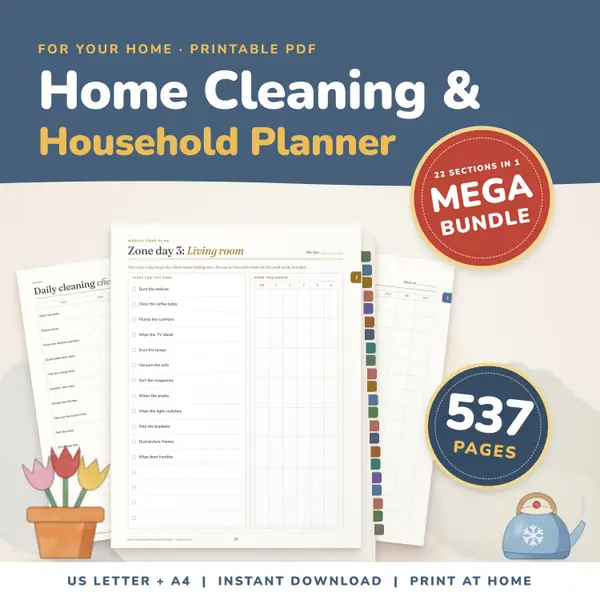
Home Cleaning and Household Planner Mega Bundle
537 pagesUS Letter + A4Teens & adultsEnglish
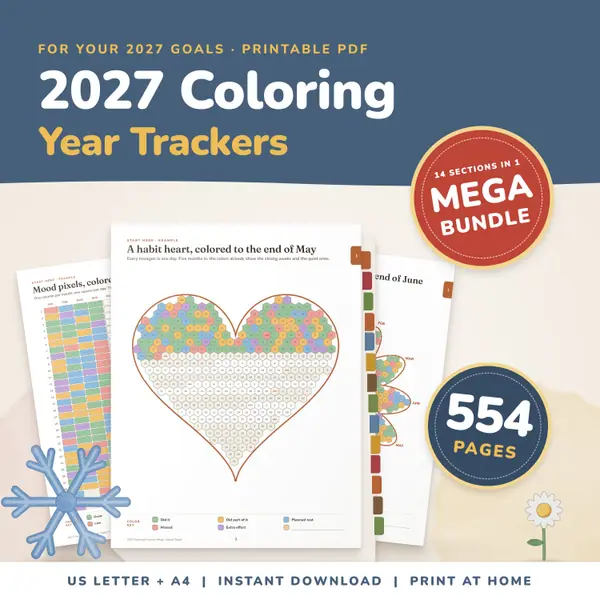
See price and buy on Etsy2027 Coloring Habit Tracker Bundle
554 pagesUS Letter + A4Teens & adultsEnglish
See price and buy on Etsy
Questions and answers
Is the classroom timer free?
Yes. It is free to use, there is no sign-up, and you can start as many countdowns as you like.
Does the timer stay right if I switch to another tab?
Yes. The remaining time is worked out from the clock each time, not by counting ticks, so it stays correct even if the tab is in the background.
Where is my data stored?
Nothing is stored or sent. The timer runs entirely in your browser on this device, and the times you type are forgotten when you close the page.
Why can I not hear the beep?
Check that the mute box is not ticked and that the device volume is up. Browsers only allow sound after you have pressed a button, so press Start first.
More settings of this tool
English word lists
More free tools
- Online Stopwatch with Lap Times for Class
- Classroom Scoreboard: Team Score Keeper for 2-6
- Classroom Traffic Light: Noise Levels on Screen
- Classroom Noise Meter: Live Sound Level Bar
- Seating Chart Maker: Make and Print a Class Plan
- Random Name Picker: Pick a Student From Your List
- Random Group Maker: Split a Class Into Teams
- Spinner Wheel: Spin to Pick a Name or Choice
- Dice Roller: Roll 1 to 6 Dice Online
Put this tool on your own site
Copy this code into your class page or blog. The tool is free; the small link under it tells your visitors where it comes from.
Updated