Classroom Traffic Light for Noise and Work Modes
Press the red, yellow or green lamp, or the keys 1, 2 and 3, and the light turns on with its meaning in large words, such as silent work, quiet voices or group talk. Change the three meanings to suit your room. They are saved on this device, and the lit lamp is also named in text.
Free to use, no sign-up. Everything runs in your browser: nothing you type is uploaded.
Keys: 1 is red, 2 is yellow, 3 is green.
Your meanings are saved on this device only.
How to use it
1. Write your three meanings
Use the boxes under the light to say what each colour means in your room. The defaults are silent work, quiet voices and group talk, but you can write anything short.
2. Switch a lamp on
Press a lamp with the mouse or your finger, or tap the keys 1, 2 and 3 on the keyboard. Only one lamp is lit at a time.
3. Let the class read it
The lit lamp is named in large words next to the light, with its meaning, so children can read it even if they find colours hard to tell apart.
4. Go full screen
Press Full screen to fill the board with the light. Pressing Escape brings you back to the page, and your meanings stay as you left them.
Ideas for class and home
Noise levels during work time
Show red for silent work during a test, yellow for whispering while you help individuals, and green when partners may talk freely.
Lesson transitions
Use the lights to mark phases: green for move around and collect materials, yellow for return to seats, red for eyes on the teacher.
Asking for help routines
Rename the meanings to read on your own, ask a neighbour and ask the teacher, so pupils know the order to try before they put a hand up.
Quiet time at home
Homeschooling families can set red for do not disturb during a lesson, yellow for questions only and green for free chatting.
Printables that go with this tool

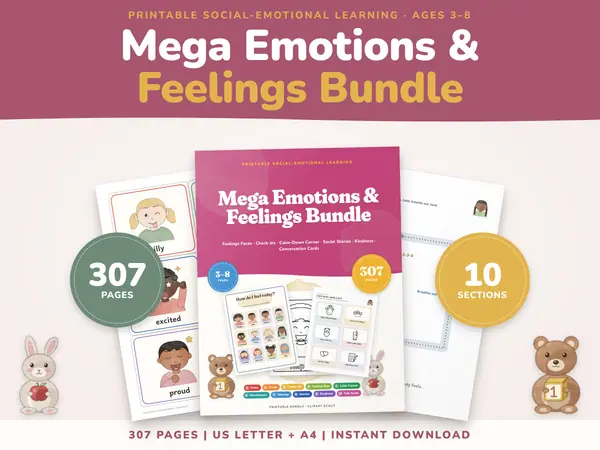
Questions and answers
Is the traffic light tool free?
Yes. It costs nothing to use and there is no account or sign-up. Open the page on any class screen and it is ready.
Can I change what the colours mean?
Yes. Type your own words in the three boxes. The lit lamp then shows your wording in large text for the whole class to see.
Where are my meanings saved?
In this browser, on this device only. They are still there next time you open the page, and they are never sent to any server.
Is it usable for colour-blind children?
Yes. Each lamp has a name and a number, and the lit lamp is written out in words, so the message never relies on colour alone.
More free tools
- Classroom Timer: Big Countdown Timer for Lessons
- Online Stopwatch with Lap Times for Class
- Classroom Scoreboard: Team Score Keeper for 2-6
- Classroom Noise Meter: Live Sound Level Bar
- Seating Chart Maker: Make and Print a Class Plan
- Random Name Picker: Pick a Student From Your List
- Random Group Maker: Split a Class Into Teams
- Spinner Wheel: Spin to Pick a Name or Choice
- Dice Roller: Roll 1 to 6 Dice Online
Put this tool on your own site
Copy this code into your class page or blog. The tool is free; the small link under it tells your visitors where it comes from.
Updated