Online Stopwatch with Laps for Class and Sports
Press Start and the stopwatch counts up in minutes, seconds and tenths of a second. Press Lap to record a split time, and the list shows each lap with the gap since the one before. Press Stop to pause, Start to carry on, and Reset to clear everything.
Free to use, no sign-up. Everything runs in your browser: nothing you type is uploaded.
00:00.0
Lap times
Press Lap while the stopwatch is running to record a time.
How to use it
1. Press Start
The display begins counting in minutes, seconds and tenths. It is large enough to read from across a classroom or a sports field.
2. Record laps
Press Lap each time a runner finishes a circuit or a student completes a task. Every lap is numbered and shows the total time and the gap to the lap before.
3. Stop, resume or reset
Stop freezes the time, and Start picks up where it left off. Reset sets the clock back to zero and clears the lap list so you can begin a new run.
4. Use full screen
Press Full screen to fill a projector or whiteboard with the running time, so everyone can follow along without leaning in.
Ideas for class and home
Reading fluency practice
Time a child reading the same short passage each week. Record the finish with Lap, and compare times to see how smooth the reading is getting.
PE and playground races
Time sprints, relay legs or skipping challenges. Lap records each runner or each round, and the gap column shows who was quickest.
Science experiments
Time how long ice takes to melt or a ball takes to roll down a ramp. Take a lap at set points and compare the gaps between them.
Mental maths races
Challenge the class to finish a set of sums, and lap as each team completes a round. Beating the previous gap makes a friendly goal.
Printables that go with this tool
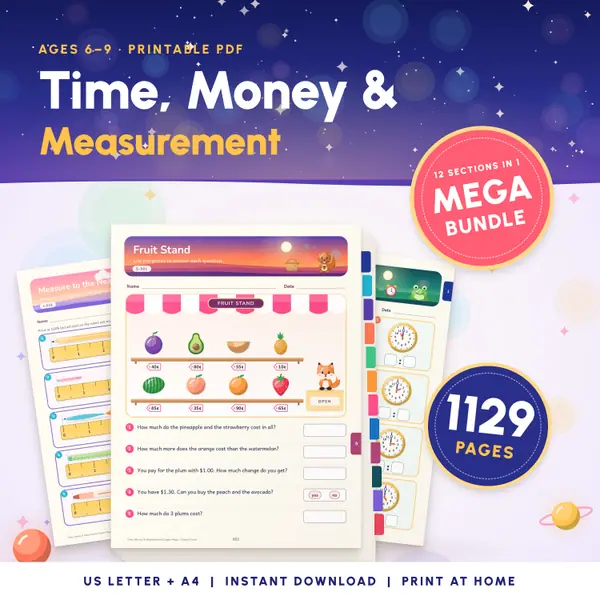
Telling Time Worksheets
1,129 pagesUS Letter + A41st grade to 3rd gradeEnglish
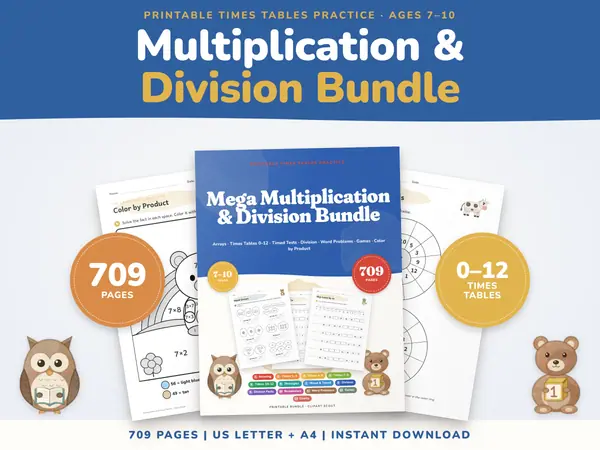
See price and buy on EtsyMultiplication Worksheets Bundle
709 pagesUS Letter + A43rd grade & 4th gradeEnglish
See price and buy on Etsy
Questions and answers
Is this stopwatch free?
Yes. It is free for teachers, parents and students, with no sign-up and no limit on laps.
How accurate is it?
The time is read from the browser's high-resolution clock, not by counting ticks, so it stays accurate to the tenth of a second even if the page is busy.
Are my lap times saved anywhere?
No. Everything stays in your browser on this device and is cleared when you close or reload the page. Nothing is uploaded.
Can I time something longer than an hour?
Yes. The minutes keep counting past sixty, so a long activity shows as, for example, 75:30.0. It keeps running while you use other tabs.
More free tools
- Classroom Timer: Big Countdown Timer for Lessons
- Classroom Scoreboard: Team Score Keeper for 2-6
- Classroom Traffic Light: Noise Levels on Screen
- Classroom Noise Meter: Live Sound Level Bar
- Seating Chart Maker: Make and Print a Class Plan
- Random Name Picker: Pick a Student From Your List
- Random Group Maker: Split a Class Into Teams
- Spinner Wheel: Spin to Pick a Name or Choice
- Dice Roller: Roll 1 to 6 Dice Online
Put this tool on your own site
Copy this code into your class page or blog. The tool is free; the small link under it tells your visitors where it comes from.
Updated