
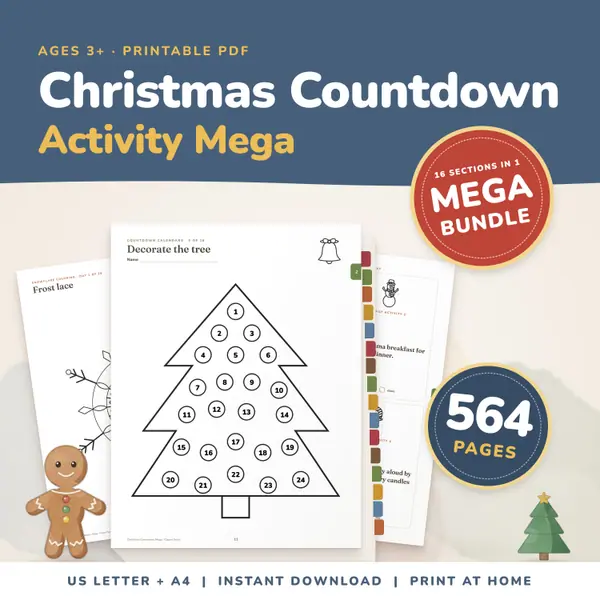
Christmas Countdown Activity Mega Bundle
564 pagesUS Letter + A4Teens & adultsEnglish
See price and buy on EtsyPick a date and, if you like, type a name for the day. The countdown shows the days, hours, minutes and seconds left, and below it the full weeks, the sleeps (nights) and the school days left. It starts with the next 1 January. Tick Repeats every year and a day that has passed moves on to next year by itself.
Free to use, no sign-up. Everything runs in your browser: nothing you type is uploaded.
School days are Monday to Friday, counted from today up to the day before the date. Holidays are not taken off. For a break, choose its first day as the date.
Your name and date are saved on this device only.
Pick the day in the Date box. The tool starts with the next 1 January, so you can use it at once. Type a name such as Class trip if you want it shown above the numbers.
The big boxes count down the days, hours, minutes and seconds to the start of that day. Under them you see the full weeks left, the sleeps (nights) and the school days left.
Leave Repeats every year ticked for a birthday or a holiday. When the day has passed, the countdown moves on to the same day next year by itself. Untick it for a day that happens once.
Press Full screen to fill the screen with the numbers, a good way to show a class how long is left. Press Leave full screen, or the Escape key, to come back.
Put the days until a holiday on the class screen each morning. Children enjoy watching the number fall, and it gives a simple reason to practise subtraction and weeks.
School breaks start on different days in different places, so enter the first day of your own break in the Date box. The school days left show how many lessons are still ahead.
Name the day, for example Science test or Zoo visit, and keep the page open while the class works. A homeschool family can do the same for an exam or a day out.
Young children count nights better than days. The sleeps number tells them how many times they will go to bed before the big day, for a birthday, a visit or the first day of school.
564 pagesUS Letter + A4Teens & adultsEnglish
See price and buy on Etsy34 pagesUS Letter + A4Teens & adultsEnglish
See price and buy on Etsy537 pagesUS Letter + A4Teens & adultsEnglish
See price and buy on EtsyYes. It is free, with no sign-up, and you can count down to as many dates as you like, one after another.
Only in this browser, on this device, so they are still here next time. Nothing is sent to a server, and clearing your browser data removes them.
Sleeps are the nights between now and the date. If the date is tomorrow, it is 1 sleep. The number is the same as the number of calendar days to go.
The tool counts every Monday to Friday from today up to the day before your date. It does not know your holidays, so it cannot take them off. Use the first day of a break as the date.
More free tools
All toolsPickers and chanceClassroom screenMath on screenMath makers and calculatorsWord and spelling toolsPrintable makers
Copy this code into your class page or blog. The tool is free; the small link under it tells your visitors where it comes from.
Updated