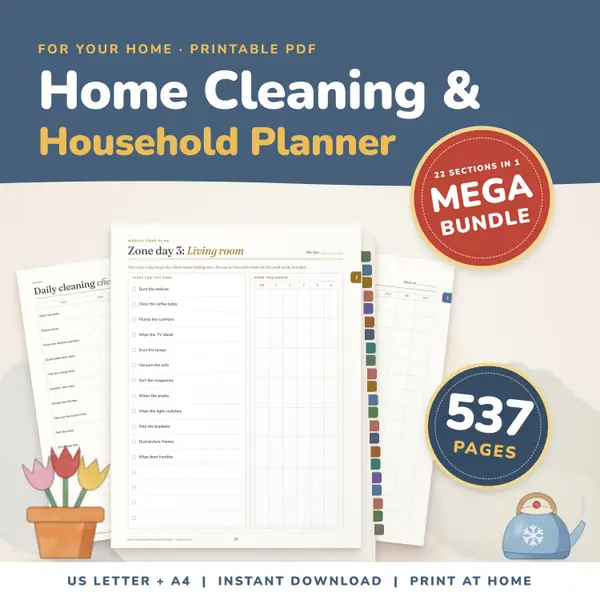
Home Cleaning and Household Planner Mega Bundle
537 pagesUS Letter + A4Teens & adultsEnglish
See price and buy on EtsyType a title, then your items, one per line, and press Make checklist. You can tick the items on screen and your ticks are saved on this device. Print gives a clean sheet with empty boxes. Choose two columns, large print for young children, or extra blank lines at the end for things you think of later.
Free to use, no sign-up. Everything runs in your browser: nothing you type is uploaded.
Type the items or paste them from a list. Blank lines are skipped.
Your list and your ticks are saved on this device only.
Replace the sample with your own title and list, one item per line. A morning routine, a packing list, a lesson plan for the day: anything that can be ticked off.
Tick Two columns to fit a long list on one page. Tick Large print for young children, which makes the text and the boxes bigger. Add blank lines for items you will write by hand.
The checklist appears on the right. Tap or click a box to tick it. Your ticks are saved, so the list is still ticked when you come back, and Untick all starts a fresh day.
Press Print to get a clean sheet with empty boxes, ready for the fridge, a clipboard or a child's desk. Only the checklist is printed, not the rest of the page.
Print a routine with large print and pictures drawn beside it, and put it where the children get ready. Younger ones can tick each step themselves.
List the jobs for the week in two columns and tick them off as they are done. Untick all on Monday morning and begin again.
Make a list of what to bring, tick items on screen while you pack, and print a copy for the helper who is coming along.
List the day's subjects and add a few blank lines at the end for anything unplanned. Children can see the whole day and enjoy ticking each part as it is finished.
537 pagesUS Letter + A4Teens & adultsEnglish
See price and buy on EtsyYes. It is free, there is no sign-up, and you can make and print as many checklists as you like.
Yes. Your list, options and ticks are saved in this browser on this device. Nothing is sent anywhere, and clearing your browser data removes them.
Yes. Even if you have ticked items on screen, the printout always shows empty boxes so you can tick them again by hand.
Up to 300 items. For a long list, choose two columns, and the sheet breaks across pages without cutting an item in half.
Copy this code into your class page or blog. The tool is free; the small link under it tells your visitors where it comes from.
Updated