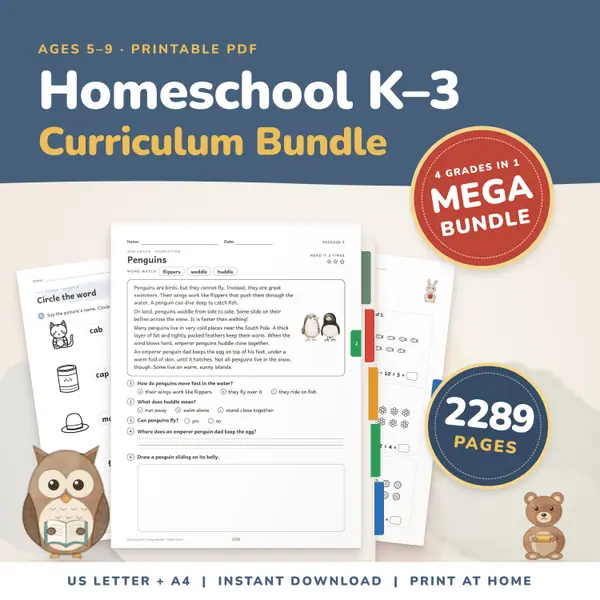
Homeschool Curriculum Bundle K-3
2,289 pagesUS Letter + A4Kindergarten to 3rd gradeEnglish
See price and buy on EtsyEnter the first and last day of your school year or term, tick the weekdays that count, and list your days off, one date or date range per line. Press Count school days. You get the total number of school days, how many are done, how many are left, the percent done and the number of today.
Free to use, no sign-up. Everything runs in your browser: nothing you type is uploaded.
One per line. Write a single date like 2026-12-25, or a range like 2026-12-21 to 2027-01-01. Always year, month, day, with dashes.
Your dates are saved on this device only.
Choose the first and the last day of your school year or term. The tool starts with a September to June year, so change both dates to match yours.
Monday to Friday are ticked. Untick a day you do not teach, or tick Saturday if you do. The names follow the language of the page.
Write one date or one range per line, year first, for example 2026-12-21 to 2027-01-01. Holidays, trips and sick days all go here. Days outside the term are ignored.
You see the total, the days done up to today, the days left, the percent done and which school day today is. A line tells you if today is a day off or outside the term.
Where a set number of school days is expected, enter your calendar and your breaks to see whether you reach it, and how many are left if you fall short.
Divide the lessons in a book by the school days left to see how many lessons a day you need. Count again after a holiday or an unplanned week off.
Add a possible week away as a range of days off and press the button again. The school days left change at once, so you can compare plans before you book.
Show the number of school days left on a class screen. Children enjoy watching the percent done grow, and it makes the end of the year feel close.
2,289 pagesUS Letter + A4Kindergarten to 3rd gradeEnglish
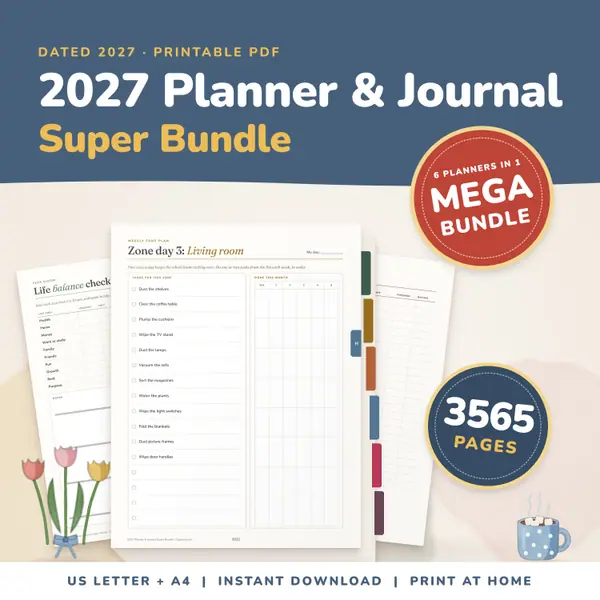
See price and buy on Etsy3,565 pagesUS Letter + A4Teens & adultsEnglish
See price and buy on EtsyYes. It is free to use, with no sign-up, and you can count as many terms as you like.
Only in this browser, on this device, so they are still here next time. Nothing is sent to a server, and clearing your browser data removes them.
Put one date or one range on each line, in the order year, month, day with dashes. A single date looks like 2026-12-25 and a range like 2026-12-21 to 2027-01-01.
Yes, if today falls inside the term, on a weekday that counts and not on a day off. Today is then included in the days done and gives the school day number.
Copy this code into your class page or blog. The tool is free; the small link under it tells your visitors where it comes from.
Updated