Reading Comprehension and Grammar Bundle
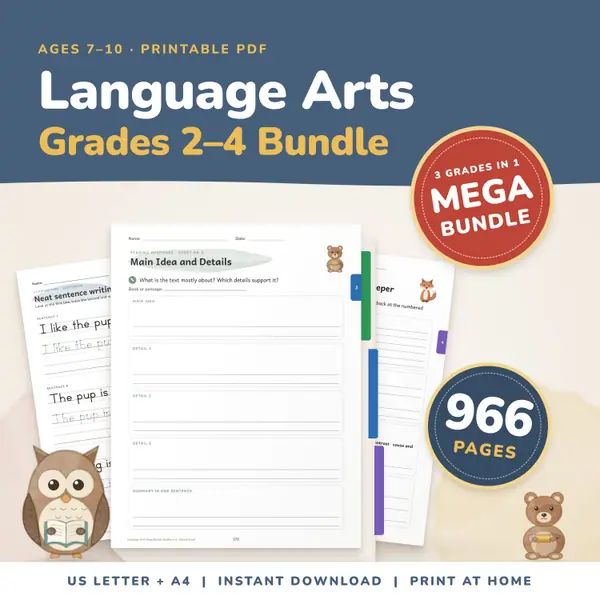
966 pagesUS Letter + A42nd grade to 4th gradeEnglish
See price and buy on EtsyType or paste your text into the box. The counter shows words, characters with and without spaces, sentences, paragraphs, the average words per sentence, and how long it takes to read silently and aloud. Set a target to see your progress. It counts as you type, and your text is never saved or sent.
Free to use, no sign-up. Everything runs in your browser: nothing you type is uploaded.
Your text stays in this page. It is not saved and it is not sent anywhere.
Click in the box and type, or paste an essay, a story or a paragraph from another document. The counts update as you go, so there is nothing to wait for.
You see words, characters with and without spaces, sentences, paragraphs and the average length of a sentence. Two reading times show how long the text takes to read silently and out loud.
Change the words per minute to suit the reader, since young children read more slowly. Enter a target, such as a word limit for an assignment, to see a progress line fill.
Copy the text puts it on your clipboard. Clear empties the box so you can start a new piece. Count refreshes the numbers and says them in one line.
When an essay has to be about 300 words, set the target and watch the line while you write. Students learn to judge length without counting by hand.
Paste a story a child has typed and look at the average words per sentence. It is a simple way to see sentences grow longer over the year.
Paste the text of a poem or a talk and use the read-aloud time to plan the slot. Change the speed to match your own pace and test it.
Before you set a passage for copywork or dictation, count its words and sentences. You can pick a passage that suits the child's stamina.
966 pagesUS Letter + A42nd grade to 4th gradeEnglish
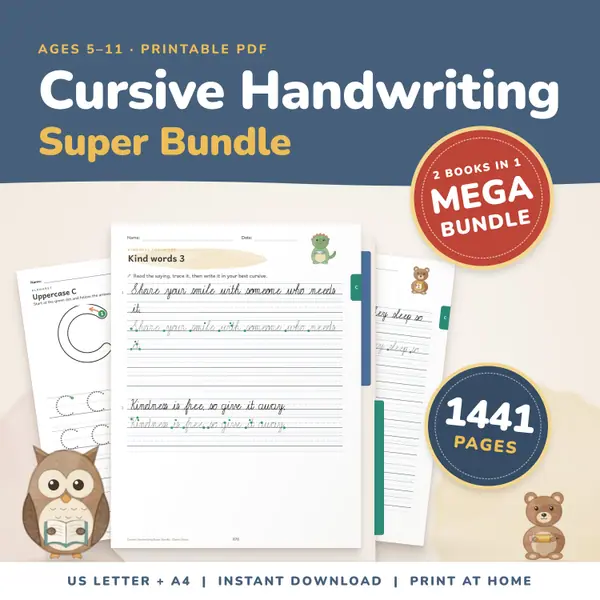
See price and buy on Etsy1,441 pagesUS Letter + A4Kindergarten to 5th gradeEnglish
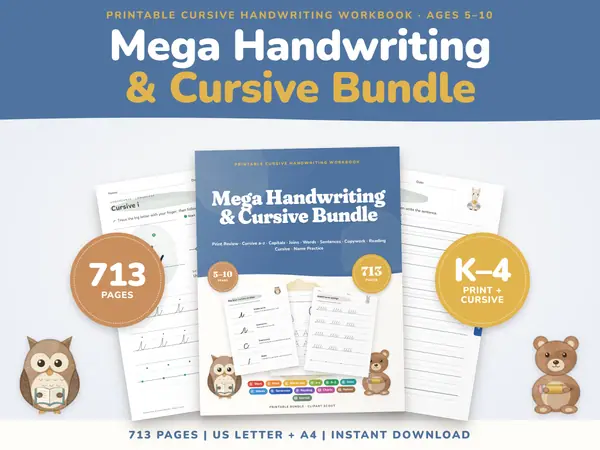
See price and buy on Etsy713 pagesUS Letter + A4Kindergarten to 4th gradeEnglish
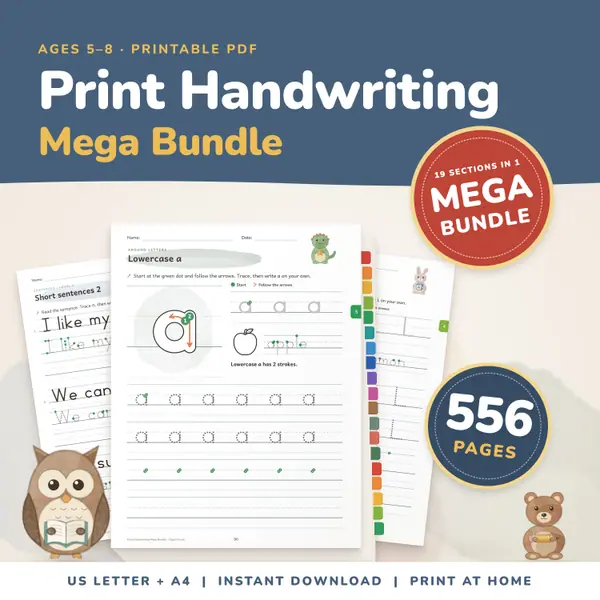
See price and buy on Etsy556 pagesUS Letter + A4Kindergarten to 2nd gradeEnglish
See price and buy on EtsyYes. It is free, needs no sign-up and has no limit on how often you use it or how long your text is.
No. The counting happens in your browser. The text is not saved on this device and is not sent to a server, so closing the page erases it.
Where your browser supports it, the counter uses the browser's own word rules, so Chinese, Japanese and Thai text are counted by words. Otherwise it counts groups of characters split by spaces.
It divides the number of words by the words per minute you set. The defaults are 200 for silent reading and 130 for reading aloud, and you can change both.
Copy this code into your class page or blog. The tool is free; the small link under it tells your visitors where it comes from.
Updated