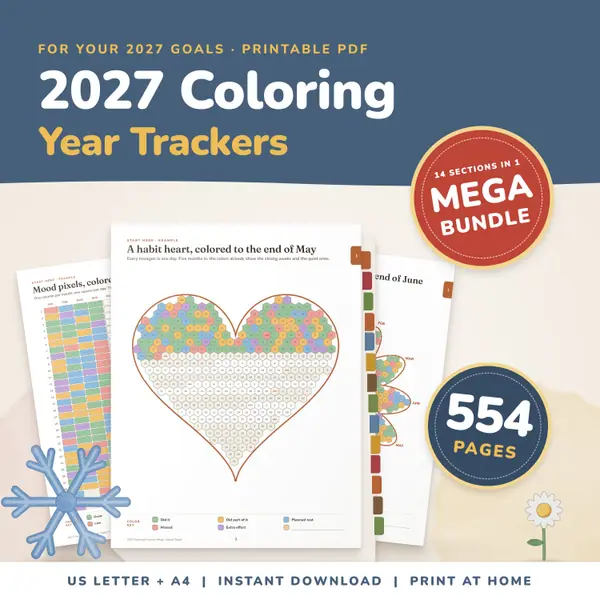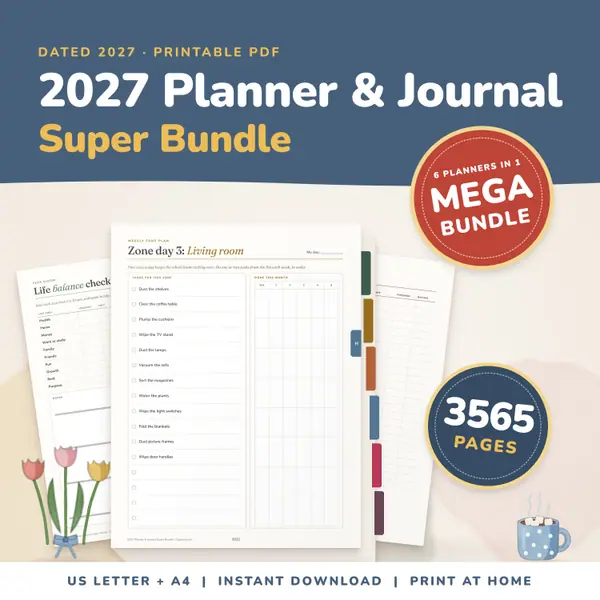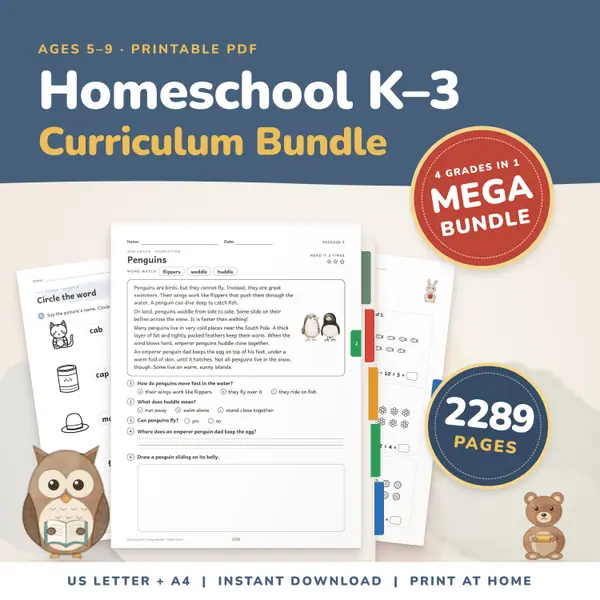
Homeschool Curriculum Bundle K-3
2,289 pagesUS Letter + A4Kindergarten to 3rd gradeEnglish
See price and buy on EtsyPick a date, type a subject, enter the hours and minutes, and press Add to log. The entry joins your list, newest first, and the tool adds up the time for each subject and overall. Set a goal in hours to see your progress. Download the log as a CSV file or print it. The log stays in this browser.
Free to use, no sign-up. Everything runs in your browser: nothing you type is uploaded.
Leave it empty if you do not need a goal.
Your log lives only in this browser on this device. Clearing your browser data removes it, so download a CSV from time to time.
The date starts as today. Type a subject or pick one of the suggestions, then enter the hours and minutes. Add a short note if you want to remember what you covered.
The entry appears in the list on the right, newest first. Each row has its own Delete button for mistakes, and the time per subject and the overall total update straight away.
Enter a number of hours, such as the amount your local rules ask for. A progress line and bar show how much of it is done.
Download CSV makes a file that opens in any spreadsheet. Print the log gives a clean sheet with the totals and every entry, ready for a binder or a portfolio.
Where a set number of hours is expected, log each day and watch the goal bar fill. A printed copy at the end of the term makes a tidy record to keep.
The totals per subject show at a glance whether math or reading is getting less time than you meant. Adjust next week's plan from what the log really says.
Log museum visits, baking, nature walks and music practice as their own subjects. It is a simple way to show how much learning happens away from the table.
Teenagers can add their own entries after independent study. It builds the habit of tracking their time and gives you a record without extra paperwork.
2,289 pagesUS Letter + A4Kindergarten to 3rd gradeEnglish
See price and buy on Etsy554 pagesUS Letter + A4Teens & adultsEnglish
See price and buy on Etsy3,565 pagesUS Letter + A4Teens & adultsEnglish
See price and buy on EtsyYes. It costs nothing, needs no account and has no limit on the number of entries, subjects or printed copies.
Only in this browser on this device. Nothing is sent to a server. If you clear your browser data or switch devices, the log will not come with you, so download a CSV as a backup.
Yes. The file opens in Excel, Google Sheets, Numbers and similar programs, with one row per entry and the time shown both in hours and in minutes.
Yes. The suggestions are only a help. Type any subject you like, and the tool adds up the time for it under that name.
Copy this code into your class page or blog. The tool is free; the small link under it tells your visitors where it comes from.
Updated