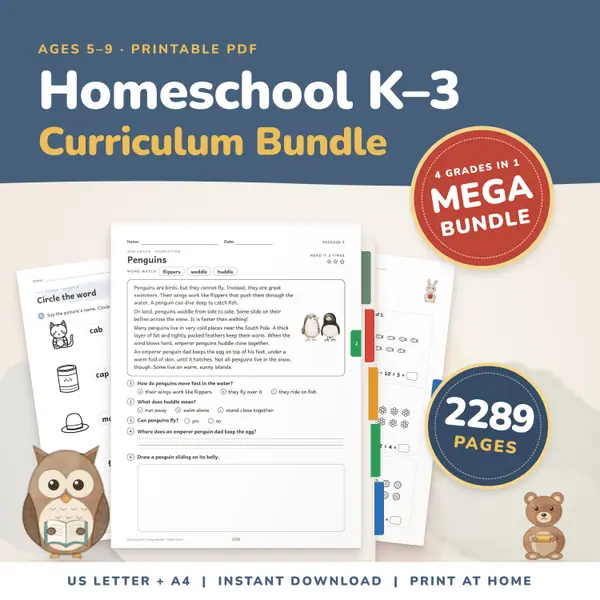
Homeschool Curriculum Bundle K-3
2,289 pagesUS Letter + A4Kindergarten to 3rd gradeEnglish
See price and buy on EtsyType how many questions are on the test and press Make grade table. You get a table with the number wrong, the number right, the percent and a letter for every possible score, which you can print. To grade one paper by points, enter the points earned and the points possible and read off the percent.
Free to use, no sign-up. Everything runs in your browser: nothing you type is uploaded.
Letter scale (example, you can change it)
Schools use different scales, so change the letters and percents to match yours. The letter is worked out from the percent shown in the table, after rounding.
Or grade by points
Grade table
Type how many questions the test has, from 1 to 200. The sample scale is already filled in, so you can press the button straight away and see a full table.
The example scale is A from 90, B from 80, C from 70, D from 60 and F below that. Change any letter or percent to match your own school, because scales differ.
Pick whole-number or one-decimal percents and press Make grade table. Each row shows the number wrong, the number right, the percent and the letter for that score.
Print the table and keep it next to your marking pile. For a paper marked in points, type points earned and points possible to get that percent and letter.
Print the table for a 30-question test and tape it beside the pile. Count the wrong answers, look along the row, and write the percent. It is faster than dividing for every paper.
Essays and projects are often marked out of odd totals such as 37 or 45. Enter the points earned and possible to get an exact percent without reaching for a phone.
Try moving the A line from 90 to 93 and see which scores change letter. It helps when you are deciding how strict a scale should be before the term starts.
Parents keeping a portfolio can turn quiz results into percents and letters in seconds, and print the grade table for the folder as simple evidence of how scores were worked out.
2,289 pagesUS Letter + A4Kindergarten to 3rd gradeEnglish
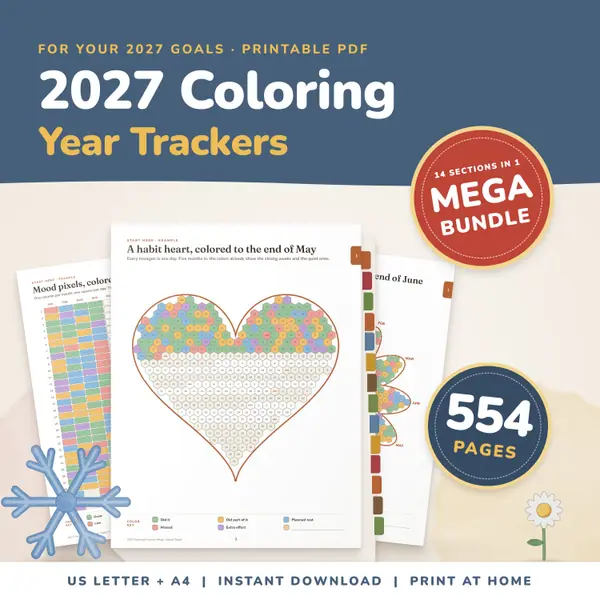
See price and buy on Etsy554 pagesUS Letter + A4Teens & adultsEnglish
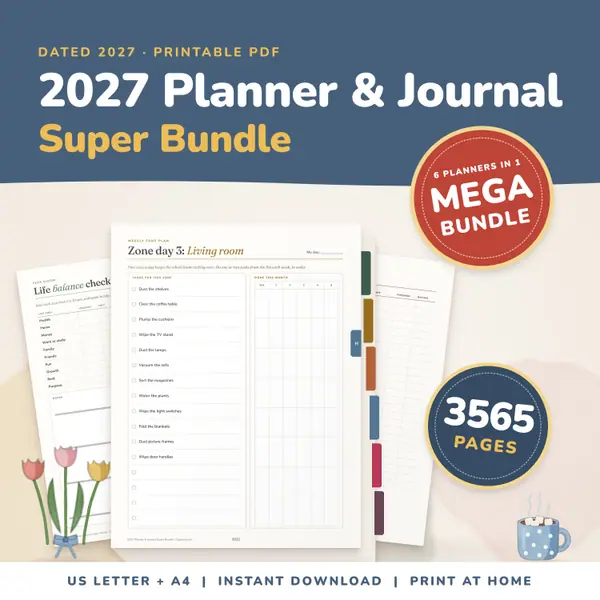
See price and buy on Etsy3,565 pagesUS Letter + A4Teens & adultsEnglish
See price and buy on EtsyYes. It is free to use, with no sign-up and no limit on how many tables you make or print.
The example scale is a common one, but schools differ. You can edit every letter and every percent, and the table updates when you press the button again. Your changes are remembered on this device.
No. The calculation happens in your browser on this device. Nothing you type is sent anywhere. Only the letter scale you edit is kept locally, so it is there next time.
Percents are rounded in the usual way, with a half rounding up, to a whole number or to one decimal place as you choose. The letter follows the percent shown in the table.
Copy this code into your class page or blog. The tool is free; the small link under it tells your visitors where it comes from.
Updated