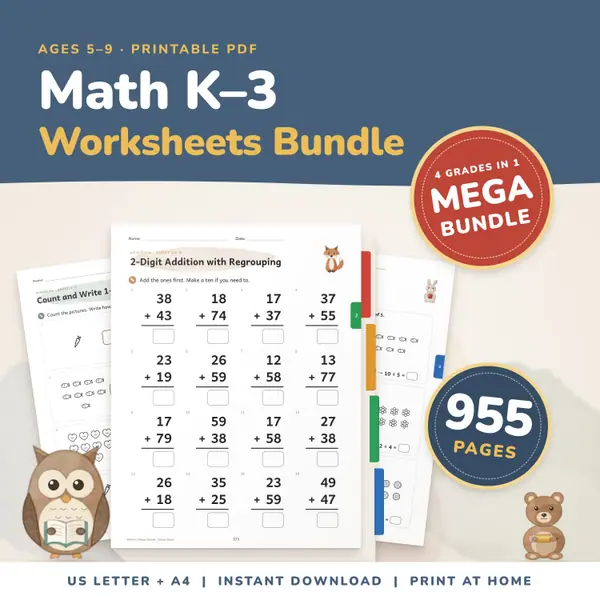
Math Worksheets Bundle K-3
955 pagesUS Letter + A4Kindergarten to 3rd gradeEnglish
See price and buy on EtsyTick the operations you want, set the lowest and highest number for the first and second number, choose how many problems and whether they are written across or stacked, then press Make worksheet. You get a sheet with a name line and a date line, and an answer key on a second page. Press Print to print it.
Free to use, no sign-up. Everything runs in your browser: nothing you type is uploaded.
Use whole numbers from 0 to 9999. Subtraction never gives a negative answer. Division always has a whole-number answer: the first number is the one being divided, and it is never divided by zero.
Tick addition, subtraction, multiplication or division. Tick more than one to mix them on the same sheet. Every problem uses one of the operations you ticked.
Give the lowest and highest value for the first number and for the second number. For times tables, set the second range to a single number such as 7 and the first to 1 to 12.
Choose 10 to 60 problems, write them across or stacked, and type a title. Press Make worksheet. Press New numbers for a different sheet with the same settings.
Press Print. Page one has a name line, a date line and the numbered problems. The answer key is on its own second page, so you can keep it back or hand it out.
Print a fresh sheet of twenty problems each morning. Because the numbers are new every time, children cannot copy yesterday's answers, and you can raise the range as they improve.
Set the first number from 1 to 12 and the second number to one table, such as 8 to 8, with multiplication ticked. The sheet becomes a focused drill on a single table.
Make a stacked sheet with the answer key on page two. A substitute teacher or a parent can mark it in a minute without working out any answers.
Tick all four operations, keep the ranges small and make sixty problems. A mixed sheet shows which operation a child still finds slow, so you know what to practise next.
955 pagesUS Letter + A4Kindergarten to 3rd gradeEnglish
See price and buy on Etsy709 pagesUS Letter + A43rd grade & 4th gradeEnglish
See price and buy on EtsyYes. It is free to use, with no sign-up and no limit on how many sheets you make or print.
No. Subtraction problems always have the larger number first, so the answer is never negative. Division problems are built from multiples, so the answer is always a whole number.
Nothing leaves your browser. The sheet is made on your own device and is not uploaded or stored on a server, so closing the page simply clears it.
Yes. The sheet is black on white and sized to fit both. Use your browser's print window to choose the paper size, and the answer key starts on a new page.
Copy this code into your class page or blog. The tool is free; the small link under it tells your visitors where it comes from.
Updated