
Maze Generator for Kids: Make and Print Free Mazes
Choose a size from an easy 5 by 5 maze to a hard 25 by 25 one, pick a square or a round shape and a start and finish picture, then press New maze. Every maze has exactly one way through. Show the solution on screen, or print the maze with the solution on its own page.
Free to use, no sign-up. Everything runs in your browser: nothing you type is uploaded.
Every maze has a number. Type the same number again to get the same maze back.
How to use it
Choose the size and the shape
Start with an easy 5 by 5 square for young children and work up to 25 by 25 for a real challenge. The circle shape has the finish in the middle and the start on the outside.
Pick the start and finish pictures
Choose mouse and cheese, rocket and star, or a plain start dot and flag. The title above the maze changes to match, so children know what the puzzle is about.
Press New maze
A new maze appears with exactly one way through. Press the button again for another one, or type a maze number to bring back a maze you made before.
Show the solution or print
Press Show solution to see the path on screen. Press Print and the maze comes out on the first page and the maze with its solution on a second page for marking.
Ideas for class and home
A quick activity for early finishers
Print an easy maze and keep a pile near the door. Children who finish early pick one up, and the answer page makes it simple for you to check it.
Pencil control and focus
Tracing a path with a pencil without touching the walls builds the same control as handwriting. Start with big squares and move to smaller ones as hands get steadier.
Party and holiday games
Make a stack of mazes with the rocket theme for a space party or the mouse theme for a picnic. A different maze number for each guest means nobody can copy.
Screen time on the class board
Open a hard maze in full screen and let children come up to the board and point out the way. Press Show solution at the end to see who found it.
Printables that go with this tool
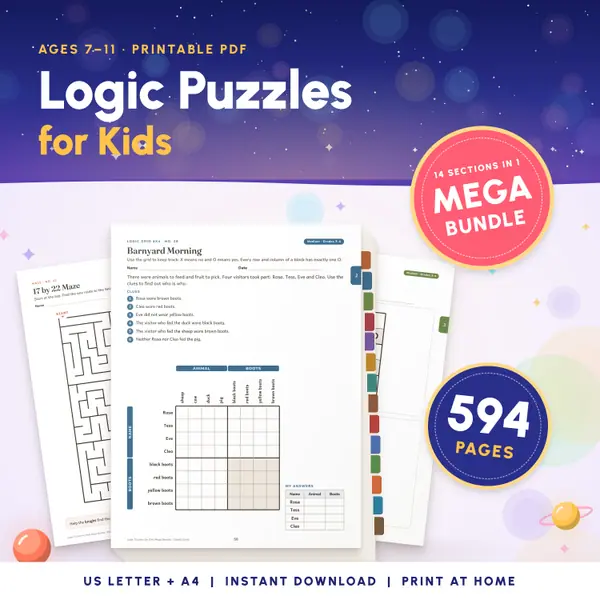
Logic Puzzles for Kids Mega Bundle
594 pagesUS Letter + A42nd grade to 5th gradeEnglish
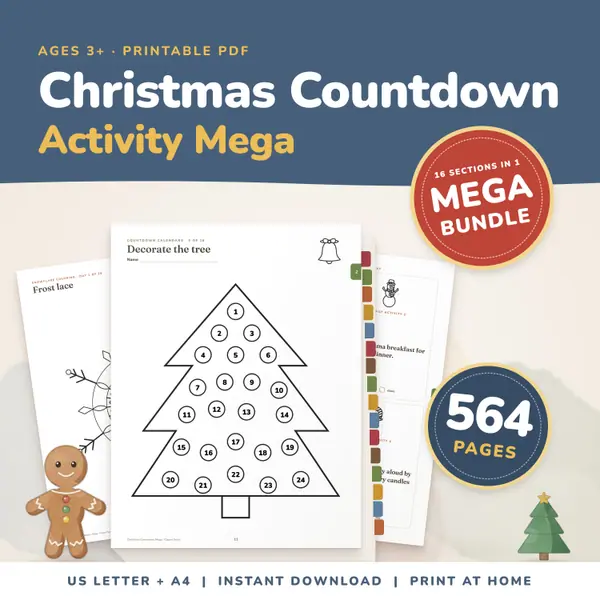
See price and buy on EtsyChristmas Countdown Activity Mega Bundle
564 pagesUS Letter + A4Teens & adultsEnglish
See price and buy on Etsy
Questions and answers
Is the maze generator free?
Yes. It is free, needs no account or sign-up, and you can make and print as many mazes as you want for your class or your children.
Does every maze have a solution?
Yes. Each maze is built so that there is exactly one way from the start to the finish, and Show solution draws that path for you.
Can I get the same maze again?
Yes. Every maze has a number. Write down the number, type it into the Maze number box later with the same size and shape, and the same maze comes back.
Where is my maze stored?
The maze is made in this page on your own device. Nothing is sent to a server, and closing the page clears it.
English word lists
More free tools
Printable makers
- Class Schedule Maker
- Calendar Maker
- Certificate Maker
- Reward Chart Maker
- Lined Paper Generator
- Graph Paper Generator
- Handwriting Worksheet Maker
- Sudoku for Kids Online
All toolsPickers and chanceClassroom screenMath on screenMath makers and calculatorsWord and spelling toolsPlanning and tracking
Put this tool on your own site
Copy this code into your class page or blog. The tool is free; the small link under it tells your visitors where it comes from.
Updated