Reward Chart Maker: Make and Print a Sticker Chart for Kids
Type the child's name, a goal and the tasks you want to track, one per line. Choose a chart by days of the week or by a number of steps from 5 to 30, and write the reward. Press Make the chart to get a table with a box in every square for a sticker or a tick, with the reward at the bottom, ready to print.
Free to use, no sign-up. Everything runs in your browser: nothing you type is uploaded.
Up to 20 lines. Keep each one short and positive.
What you type is saved on this device only.
How to use it
1. Name the goal and list the tasks
Write the child's name and a short title, then list the tasks or behaviours one per line. Three to five is plenty, and short, positive wording works best.
2. Choose days or steps
Pick Days of the week for a daily routine that repeats weekly. Pick A number of steps, from 5 to 30, when the goal is to earn a set number of stickers, whatever the day.
3. Write the reward
Say what the child is working towards, such as a trip to the park or choosing the film on Friday. It is printed at the bottom of the chart where everyone can see it.
4. Print and start
Press Make the chart, check it, then press Print the chart. Put it where the child can reach it and add a sticker or a tick in a box each time the task is done.
Ideas for class and home
Morning and bedtime routines
List the small jobs that cause rushing, such as getting dressed, brushing teeth and packing the bag. A week of ticks shows the child what is going well.
Reading and homework habits
Use a step chart with ten boxes for ten reading sessions. When the last box is filled, the child has earned the reward and can see the progress along the way.
A whole class or small group goal
Make one chart for the table group with helpful behaviours down the side. Add a sticker each day the group does them, and celebrate when the week is full.
Potty training and new skills
Choose one tiny step as the only task and a long row of step boxes. Each sticker is a small win, and the child can count the boxes left.
Printables that go with this tool
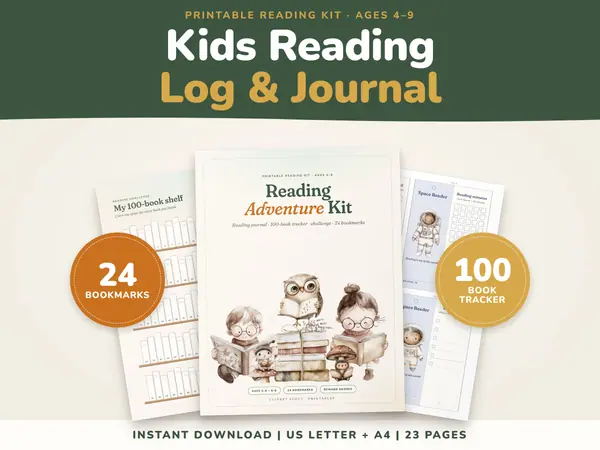
Kids Reading Log & Journal Printable
23 pagesUS Letter + A4KindergartenEnglish
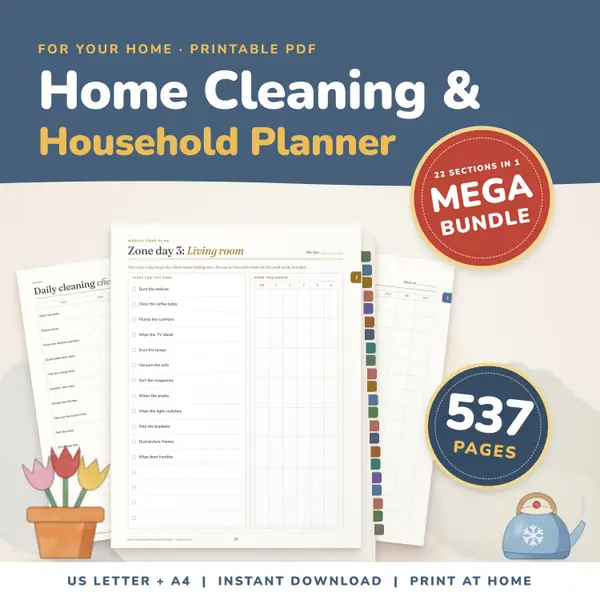
See price and buy on EtsyHome Cleaning and Household Planner Mega Bundle
537 pagesUS Letter + A4Teens & adultsEnglish
See price and buy on Etsy
Questions and answers
Is the reward chart maker free?
Yes. It is free to use, there is no sign-up, and you can print as many charts as you like, for one child or a whole group.
Is the child's name stored online?
No. The name and tasks stay in your browser on this device and are never uploaded. They are remembered here for next time, and nowhere else.
How many tasks and steps can I have?
You can list up to 20 tasks. The step chart has from 5 to 30 boxes per task, and the week chart has seven days. Fewer tasks keep the page easy to read.
What do I put in the boxes?
Anything you like. Stickers, stamps, stars drawn with a pen or a simple tick all work. The boxes are left empty and printed as clear outlines.
More free tools
- Class Schedule Maker: Print a Weekly Timetable
- Calendar Maker: Print a Monthly or Yearly Calendar
- Certificate Maker: Print a Certificate of Achievement
- Lined Paper Generator: Print Ruled Paper Online
- Graph Paper Generator: Print Grid and Dot Paper
- Random Name Picker: Pick a Student From Your List
- Random Group Maker: Split a Class Into Teams
- Spinner Wheel: Spin to Pick a Name or Choice
- Dice Roller: Roll 1 to 6 Dice Online
Put this tool on your own site
Copy this code into your class page or blog. The tool is free; the small link under it tells your visitors where it comes from.
Updated