Graph Paper Generator: Print Grid and Dot Paper Online
Choose the square size, light or dark lines, and a square grid or a dot grid. Tick the axes option to add a numbered x and y axis through the middle, then choose from one to five pages on A4 or US Letter. Press Make the paper and print it at actual size so every square is exactly the size you chose.
Free to use, no sign-up. Everything runs in your browser: nothing you type is uploaded.
When printing, choose actual size or 100 percent, not fit to page, so the squares keep their true size.
How to use it
1. Choose the square size
Pick 5 mm or 1 cm for metric work, or quarter inch or half inch for US sizes. Smaller squares fit more on the page, and bigger squares are easier for young children.
2. Pick lines or dots, light or dark
Light grey lines stay out of the way when you draw on top of them. Dark lines are easier to see when you want to copy the page or print it for a younger student.
3. Add axes if you need them
Tick the axes option to draw a numbered x axis and y axis crossing in the middle of the page, ready for plotting points, lines and graphs in all four quadrants.
4. Print at actual size
Press Make the paper, pick one to five pages and A4 or US Letter, then press Print the paper. Keep the print scale at 100 percent so the squares are true to size.
Ideas for class and home
Plotting coordinates
Print the axes version for coordinates, straight line graphs and transformations. Students can plot all four quadrants without spending lesson time ruling their own grid.
Maths work and column sums
Squares keep digits in line for long multiplication, division and column addition. Use 1 cm squares for primary pupils and 5 mm squares for older students.
Drawing, maps and design
Dot paper suits sketching floor plans, pixel art, symmetry patterns and isometric style shapes. Light dots disappear in a photocopy, leaving only the drawing.
Science graphs and area work
Use the squares to draw experiment graphs and to count squares for area and perimeter. Scale up to half inch squares so little hands can colour them in.
Printables that go with this tool
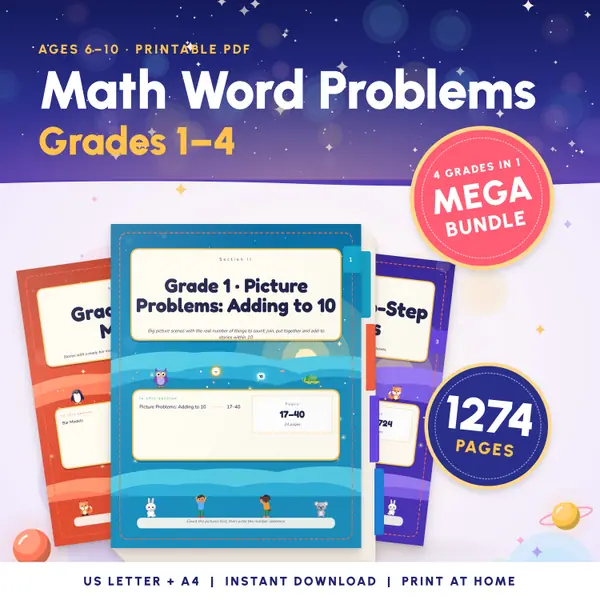
Math Word Problems Grades 1-4
1,274 pagesUS Letter + A41st grade to 4th gradeEnglish
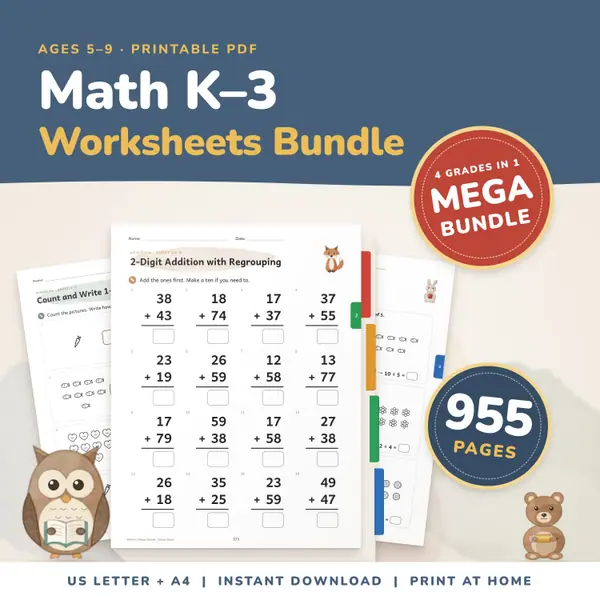
See price and buy on EtsyMath Worksheets Bundle K-3
955 pagesUS Letter + A4Kindergarten to 3rd gradeEnglish
See price and buy on Etsy
Questions and answers
Is the graph paper generator free?
Yes. It is free to use with no sign-up and no watermark, and you can print as many pages as you need for your pupils or your family.
Is anything sent to a server?
No. The paper is drawn in your browser. Your choices are saved on this device so the page remembers them next time, and they are never uploaded.
Will the squares be exactly 1 cm when I print?
Yes, when you print at actual size, or 100 percent. The page is drawn in millimetres. If your print window is set to fit to page, turn that off.
Why is there a small border around the grid?
Printers cannot print right to the edge of the paper. The grid is drawn inside the area they can reach, centred on the page, so no square is cut off.
More settings of this tool
More free tools
- Class Schedule Maker: Print a Weekly Timetable
- Calendar Maker: Print a Monthly or Yearly Calendar
- Certificate Maker: Print a Certificate of Achievement
- Reward Chart Maker: Print a Sticker Chart for Kids
- Lined Paper Generator: Print Ruled Paper Online
- Random Name Picker: Pick a Student From Your List
- Random Group Maker: Split a Class Into Teams
- Spinner Wheel: Spin to Pick a Name or Choice
- Dice Roller: Roll 1 to 6 Dice Online
Put this tool on your own site
Copy this code into your class page or blog. The tool is free; the small link under it tells your visitors where it comes from.
Updated