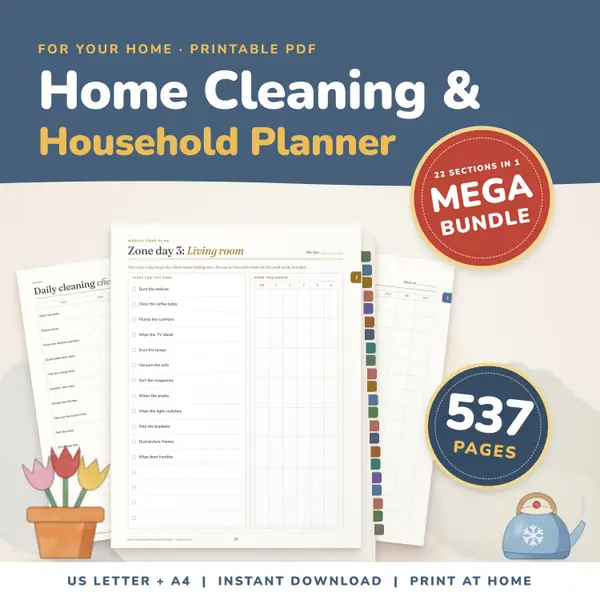
Home Cleaning and Household Planner Mega Bundle
537 pagesUS Letter + A4Teens & adultsEnglish
See price and buy on EtsyChoose a month and a year, decide whether the week starts on Monday or Sunday, and pick one month or the whole year. Press Make the calendar to see a printable grid with a box for every day. Tick the notes option to type a short reminder in each day before you print. A whole year prints one month per page.
Free to use, no sign-up. Everything runs in your browser: nothing you type is uploaded.
Tip: choose landscape or portrait in the print window, whichever you prefer. Each month prints on its own page.
The page opens on the current month. Change the month and the year, or choose The whole year to get all twelve months in one go.
Many schools in the United States start the week on Sunday, while many other countries use Monday. Pick whichever matches the planner you already use.
Press Make the calendar. Tick the notes option first if you want a small line in every day to type a birthday, a trip or a test date before printing.
Press Print the calendar. Only the calendar is printed, in black on white, and a whole year prints one month per page, so you can pin each month up when it begins.
Print the month before it starts, add the notes for assemblies, trips and deadlines, and pin it up. Pupils can cross off each day and see what is coming next.
Print the whole year, then write term dates, field trips and library days on the right pages. A paper year in one folder is easy to flick through when planning.
Give each child a month and let them tick or colour every day they read, practise or finish a chore. Ending the month with a full page is a simple goal.
Type matches, lessons and appointments into the day notes and print one copy for the fridge and one for the bag. Print a fresh month each time a new one begins.
537 pagesUS Letter + A4Teens & adultsEnglish
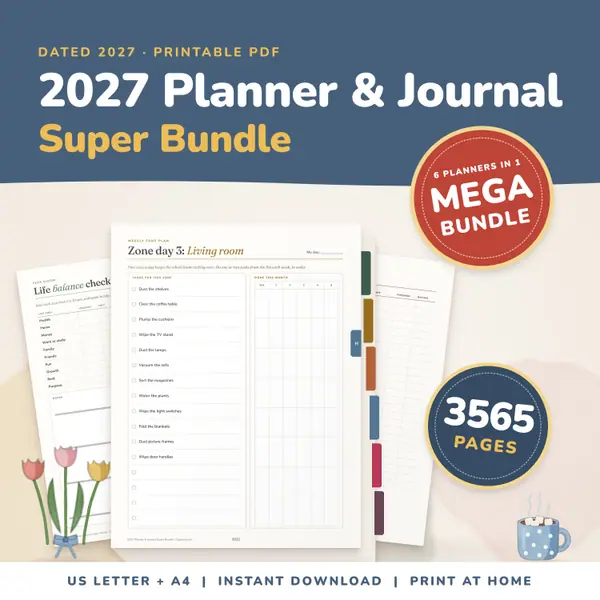
See price and buy on Etsy3,565 pagesUS Letter + A4Teens & adultsEnglish
See price and buy on EtsyYes. It is free, there is nothing to sign up for, and you can make and print as many calendars as you like.
Notes stay in this page on your device and are never sent anywhere. They are not saved when you leave, so print the calendar before you close the page.
Yes. February has 29 days in a leap year such as 2028 and 28 days otherwise. Each month starts on the correct weekday for the year you choose.
Month and weekday names follow the language of the page, so they appear in the language you are reading. Choose another language version of this page to change them.
Copy this code into your class page or blog. The tool is free; the small link under it tells your visitors where it comes from.
Updated