Sight Words and Reading Bundle
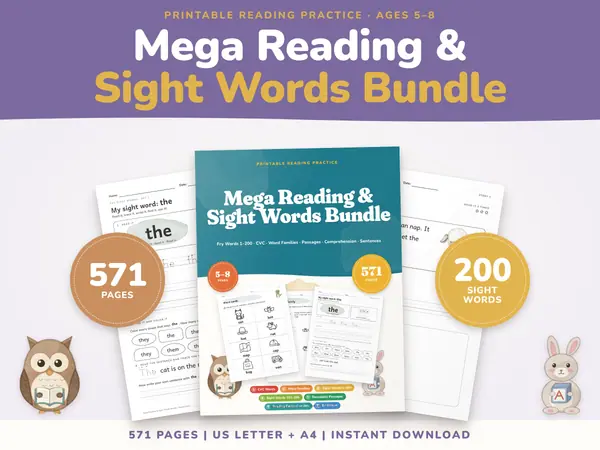
571 pagesUS Letter + A4Kindergarten & 1st gradeEnglish
See price and buy on EtsyType your spelling words, one per line, and press Start practice. The list is hidden. With the clear English voice the first word is played; with no voice it is shown for two seconds and then hidden. Type it and press Enter. You are told right or wrong and shown the correct spelling, then the next word comes. At the end you get a score and the words to try again.
Free to use, no sign-up. Everything runs in your browser: nothing you type is uploaded.
The list is hidden while the child practices, so the words are a surprise.
Type the week's list, one word per line. A list of eight to twelve words works well. The sample words show how it looks.
The clear English voice plays common English words, which helps children who are learning English. It is the choice the English page starts with. On pages in other languages the tool starts with no voice: each word is shown for two seconds and then hidden, which suits words in your own language. This device's own voice reads any word, in any language, and sounds different on each device. Your choice between the first two is remembered on the device.
The list disappears. With a voice the first word is played; with no voice it is shown for two seconds and then hidden. Press Hear the word (or Show the word again when there is no voice) as often as needed, then type the word and press Enter to check it.
After the last word you see the score and the words that were missed. Practice these words again to go over only the tricky ones.
A parent can enter the school list on Sunday and let the child practice alone, with no one reading words out loud.
Set the tool up on a classroom tablet with headphones so pupils can take turns practicing their own list quietly.
Choose No voice and each word is shown for two seconds and then hidden. The child writes it from memory, a classic method. It works for words in any language.
Add only the words that went wrong last time and practice again until each one is spelled right every time.
571 pagesUS Letter + A4Kindergarten & 1st gradeEnglish
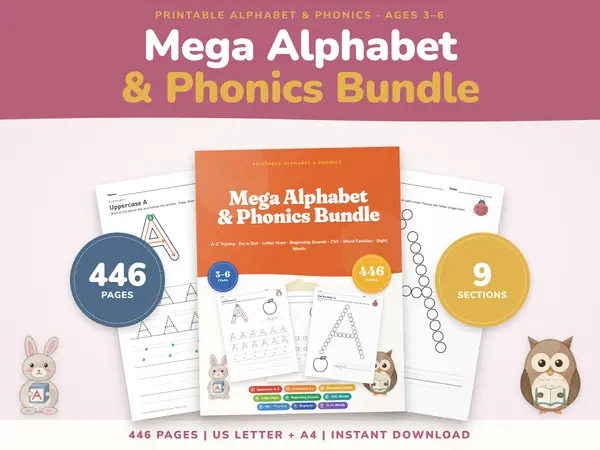
See price and buy on Etsy446 pagesUS Letter + A4KindergartenEnglish
See price and buy on EtsyYes. It is free to use, needs no account or sign-up and has no limit on how many lists you practice.
The clear English voice covers several hundred common English words. If a word has no audio, it is shown for two seconds and then hidden, and the child writes it from memory. You can also pick No voice or your device's own voice.
No. It only plays audio or shows the words. There is no microphone use, and nothing you type is sent from this device.
No. Capital and small letters are treated the same, so a correct spelling is not marked wrong for a missing capital letter.
Copy this code into your class page or blog. The tool is free; the small link under it tells your visitors where it comes from.
Updated