Word Search Maker: Make and Print Your Own
Type a title and your words, one per line, pick a grid size from 10 to 20 and choose which directions the words may run. Press Make the puzzle. The words are hidden at random, the gaps are filled with letters, and the list to find sits under the grid. Page two is the answer key.
Free to use, no sign-up. Everything runs in your browser: nothing you type is uploaded.
Spaces inside a word are removed. Words longer than the grid are skipped.
How to use it
1. Add a title and your words
Type a title, then one word per line. Use spelling words, vocabulary, names or topic words. Ten to fifteen words suit most grids.
2. Choose the grid and directions
Pick a size from 10 to 20 squares. Tick across and down for younger children, and add diagonal and backwards for a harder puzzle.
3. Press Make the puzzle
The words are placed at random and the empty squares are filled with letters. Press New puzzle for a different layout of the same words.
4. Print the grid and the key
Press Print. The puzzle with its word list comes out on the first page and the answer key, with the words in bold boxes, on the second.
Ideas for class and home
Weekly spelling list
Turn Monday's spelling words into a puzzle for early finishers. Children hunt for each word, which means they see every letter in order again and again.
Topic vocabulary
Hide the key words of a science or history unit in a grid and hand it out as a warm-up. The word list under the grid works as a quick glossary.
Cover work and quiet time
A fresh puzzle takes seconds to make, so you can keep a few ready for a substitute teacher or a wet playtime without any preparation.
Party and holiday fun
Make a word search from the names of the guests, the favourite foods or the holiday words and put one at every place at the table.
Printables that go with this tool
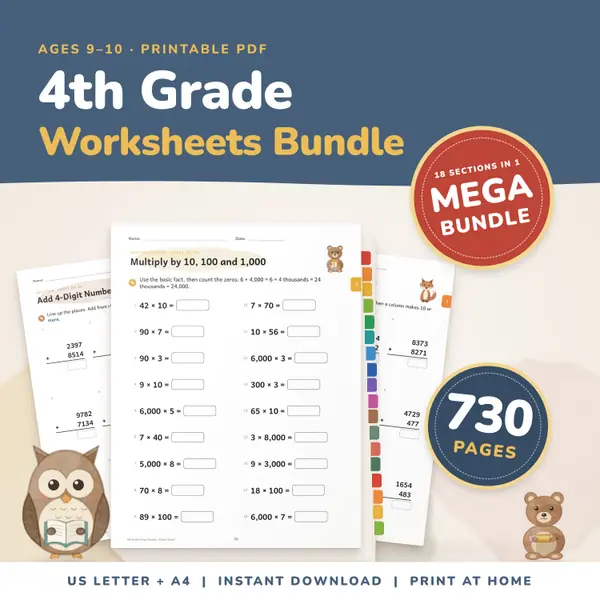
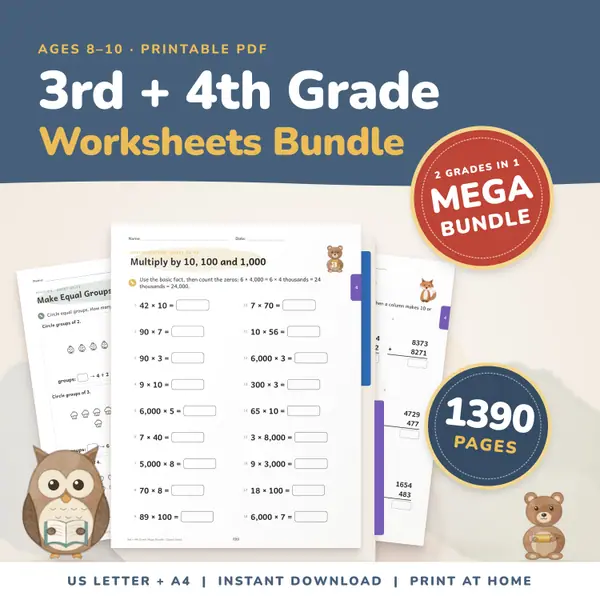
3rd and 4th Grade Worksheets Bundle
1,390 pagesUS Letter + A43rd grade & 4th gradeEnglish
See price and buy on Etsy
Questions and answers
Is the word search maker free?
Yes. It costs nothing, needs no account and has no limit on how many puzzles you make or print.
Does the answer key really show where the words are?
Yes. Page two repeats the same grid and puts every hidden letter in bold inside a thick box, so the answers can be read in black and white print.
Why was one of my words left out?
A word is skipped when it is longer than the grid or when no free place was found. The tool names those words so you can enlarge the grid or press New puzzle.
Is my word list stored anywhere?
Your words stay in this page on your own device. Nothing is sent to a server, and closing the page clears the list.
English word lists
More free tools
- Bingo Card Generator: Print Custom Bingo Cards
- Word Scramble Maker: Printable Worksheets
- Flashcard Maker: Study On Screen or Print Cards
- Alphabetical Order Sorter: Put Words in ABC Order
- Spelling Practice: Hear the Word and Type It
- Random Name Picker: Pick a Student From Your List
- Random Group Maker: Split a Class Into Teams
- Spinner Wheel: Spin to Pick a Name or Choice
- Dice Roller: Roll 1 to 6 Dice Online
Put this tool on your own site
Copy this code into your class page or blog. The tool is free; the small link under it tells your visitors where it comes from.
Updated